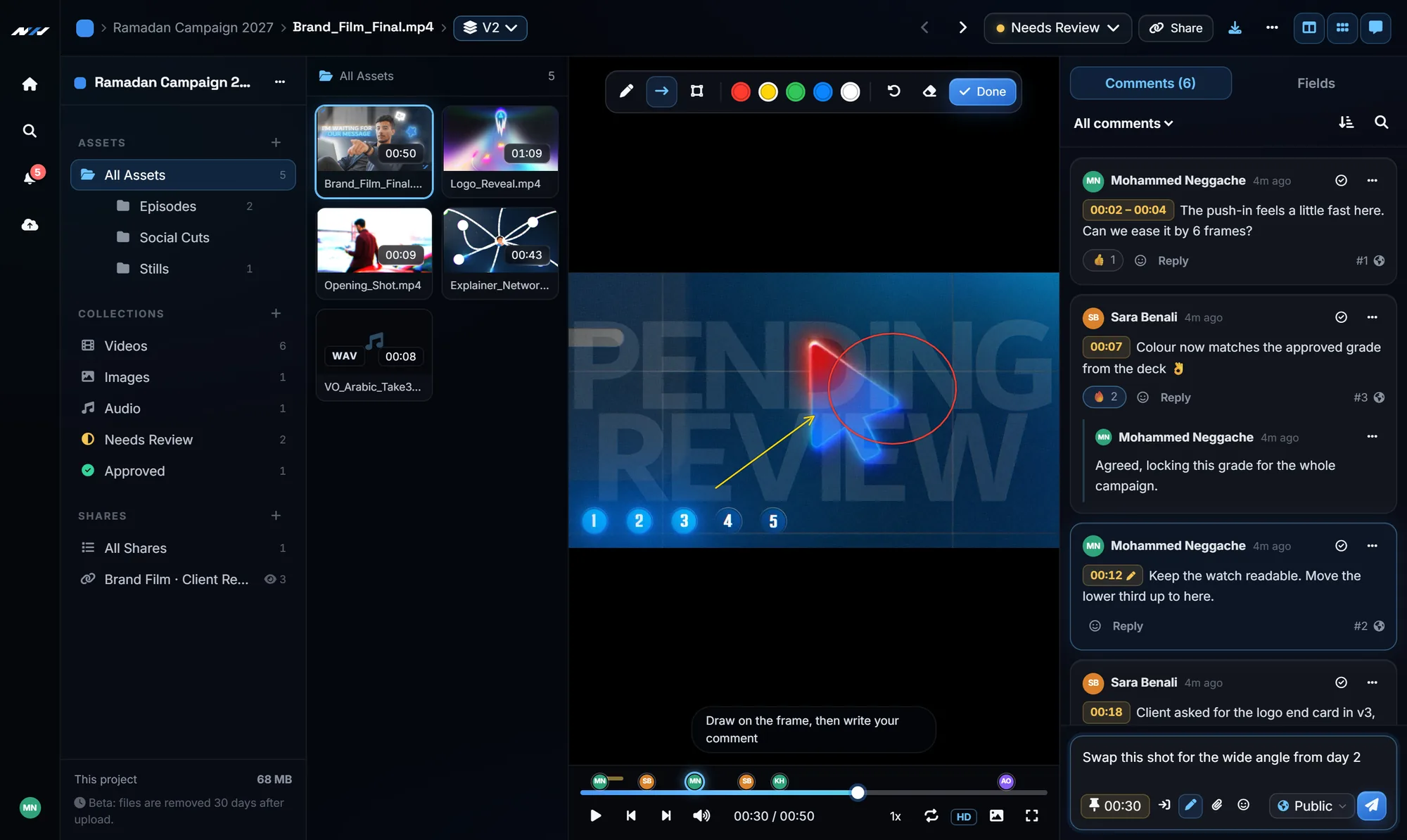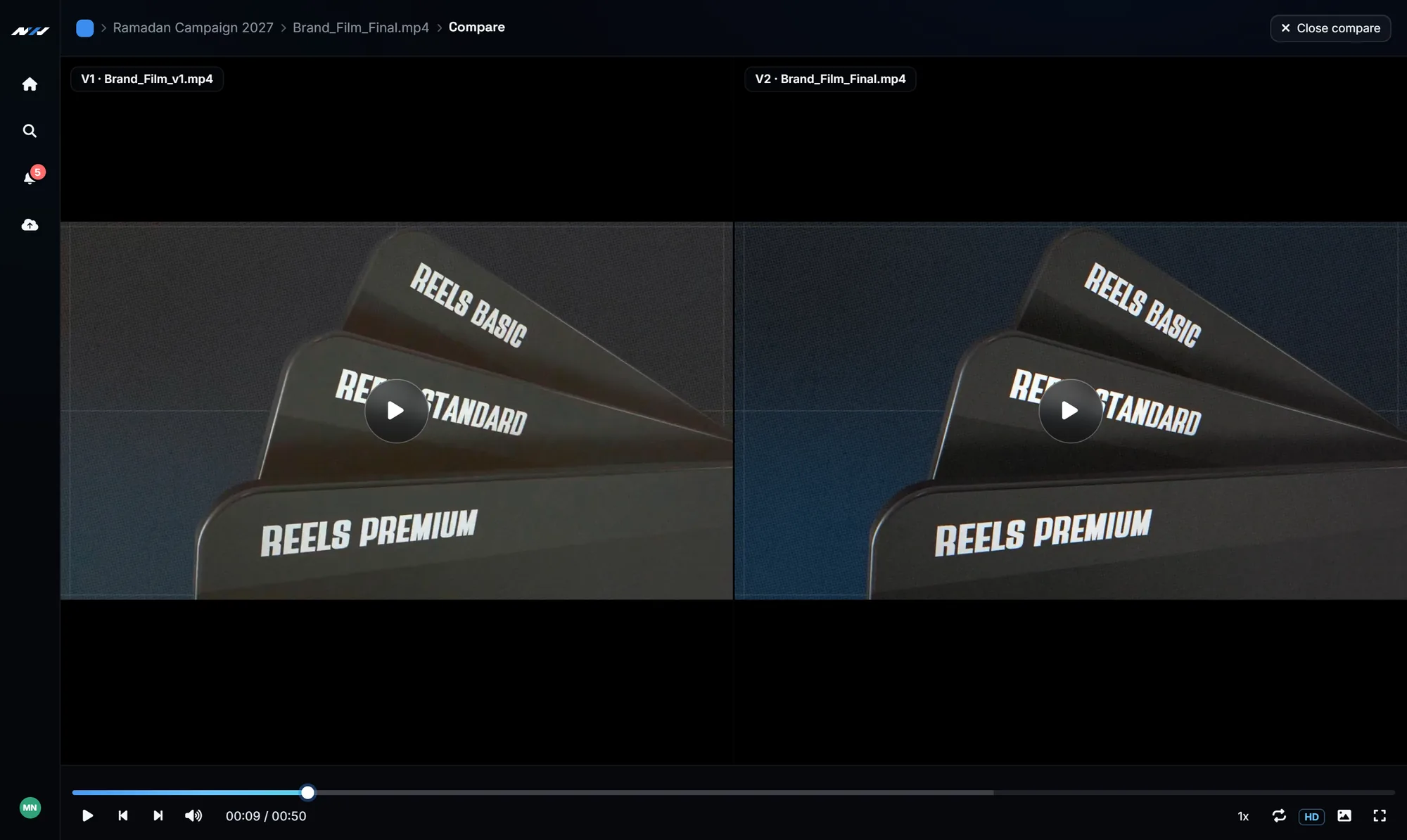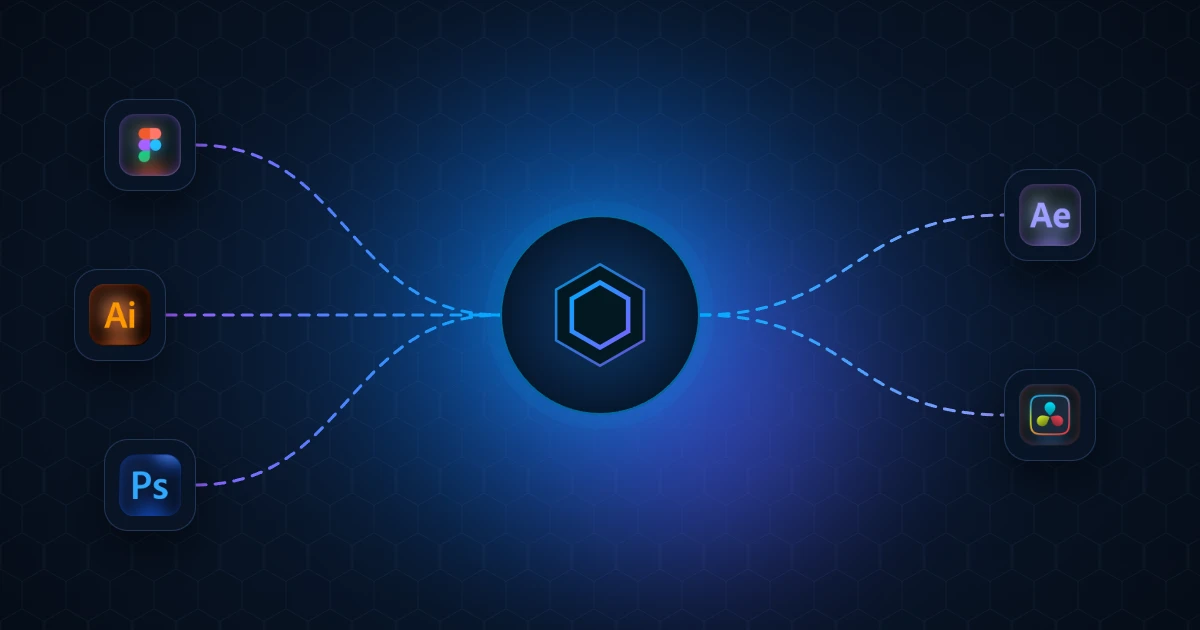
Prism moves designs between your apps as real, editable layers: from Figma, Illustrator and Photoshop into After Effects, and from Figma into DaVinci Resolve. Most tools in this space are a single plugin for a single app. Prism is a small set of pieces that work together, and installing it takes about two minutes. This guide covers every step, the first transfer, keeping it up to date, and how it compares with the other Figma to After Effects plugins you may be looking at.
What Prism installs
- The Prism Launcher: one window that holds your licence and runs a small bridge on your computer. Every app talks to that bridge.
- A panel in After Effects, Illustrator and Photoshop: the same Prism panel, opened from the same menu in each Adobe app.
- A free Figma plugin from the Figma Community, which sends your frames and layers.
- Two scripts for DaVinci Resolve, because Resolve has no extension system. They bring a design in as a Fusion composition.
One Windows installer carries all of it, and your licence key decides which apps get a panel.
Before you start
- Windows, 64-bit. macOS is on the waitlist and has not been released yet.
- No administrator rights needed. Everything installs inside your own user folder.
- Close After Effects, Photoshop, Illustrator and DaVinci Resolve. A running app locks its own extension folder.
- Have your licence key ready. The installer asks for it.
Step 1: download the installer
After purchase, the download sits on your order page next to your licence key. It is a single installer of around 26 MB. You do not need a separate download for each app: one installer carries every bridge your key covers.
Step 2: run it and enter your key
The installer asks for your licence key early, and that answer decides what gets installed. A key that covers Figma only greys out the Illustrator and Photoshop options instead of installing panels you cannot use.
- Windows SmartScreen may warn about the installer. Choose More info, then Run anyway.
- Tick Start Prism with Windows if you want the bridge ready every time you turn on your computer.
Step 3: start the Launcher and activate
Open Prism from the Start menu or the desktop shortcut the installer made. On the Connections page, paste your key in the status card and press Activate. Every app you installed unlocks at once, and there is no second key to enter inside After Effects or anywhere else.
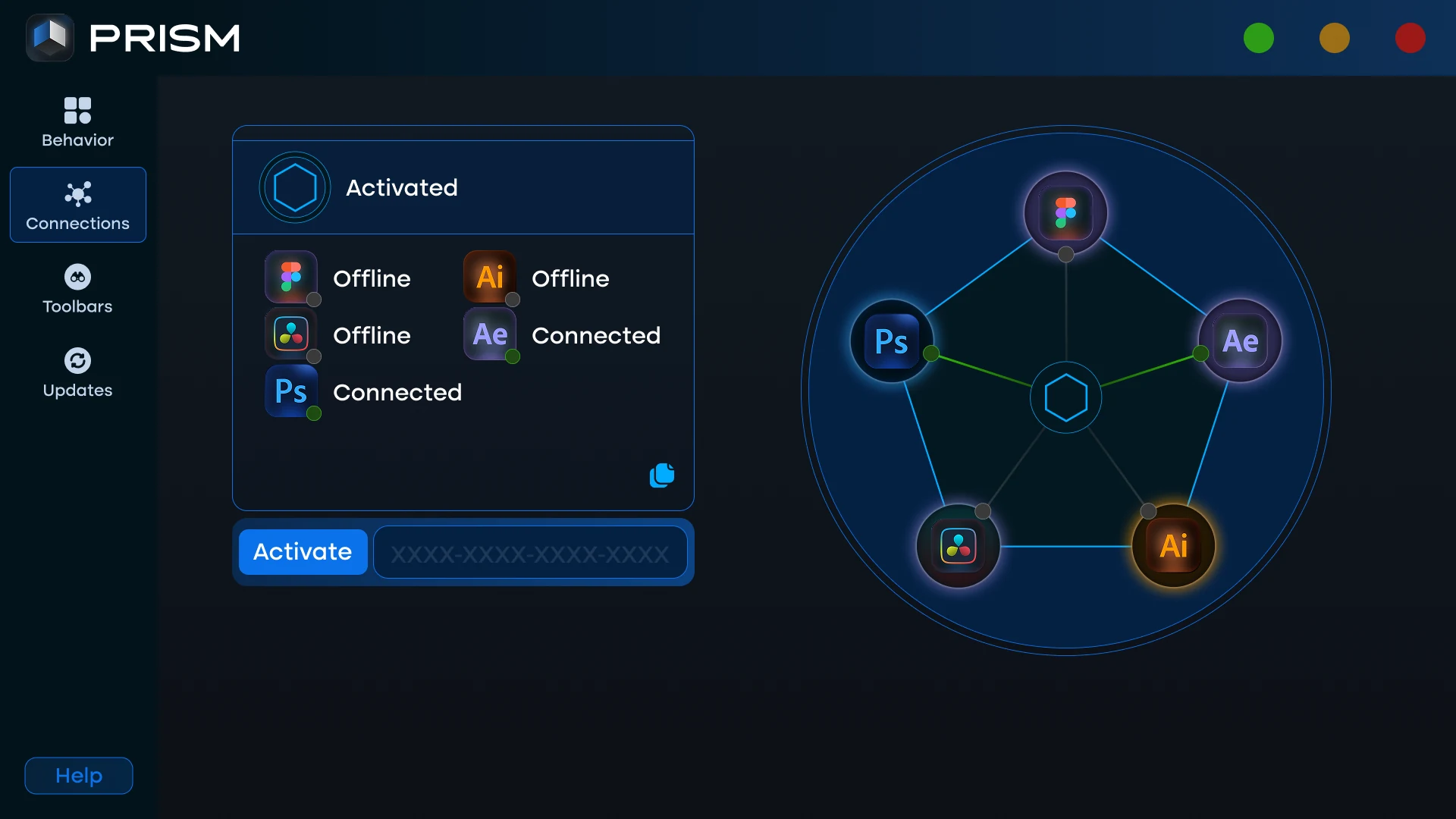
Always start Prism from its shortcut rather than by running Prism.exe on its own. The shortcut starts the tray process that runs the bridge, and the Launcher can then sit in the system tray so the bridge is up before you open anything.
Step 4: open Prism in each app
- After Effects: Window > Extensions > Prism. After Effects receives every transfer and builds the layers, so its panel is always installed.
- Illustrator: Window > Extensions > Prism, when your key covers the Illustrator bridge.
- Photoshop: Window > Extensions > Prism. Layer masks and vector masks arrive in After Effects as real masks.
- Figma: install the free Prism plugin from the Figma Community, then run Plugins > Prism. It works in the browser and in the desktop app.
- DaVinci Resolve: Workspace > Scripts > Prism Receive. Restart Resolve once after installing so it reads its scripts folder.
Step 5: make your first transfer
Open After Effects with a composition ready. Then select a few layers in Figma, Illustrator or Photoshop and press the send button in the Prism panel there. The layers are rebuilt in the open composition as native, editable After Effects layers. The Launcher shows each app that is connected with a green dot and a moving line to the centre.
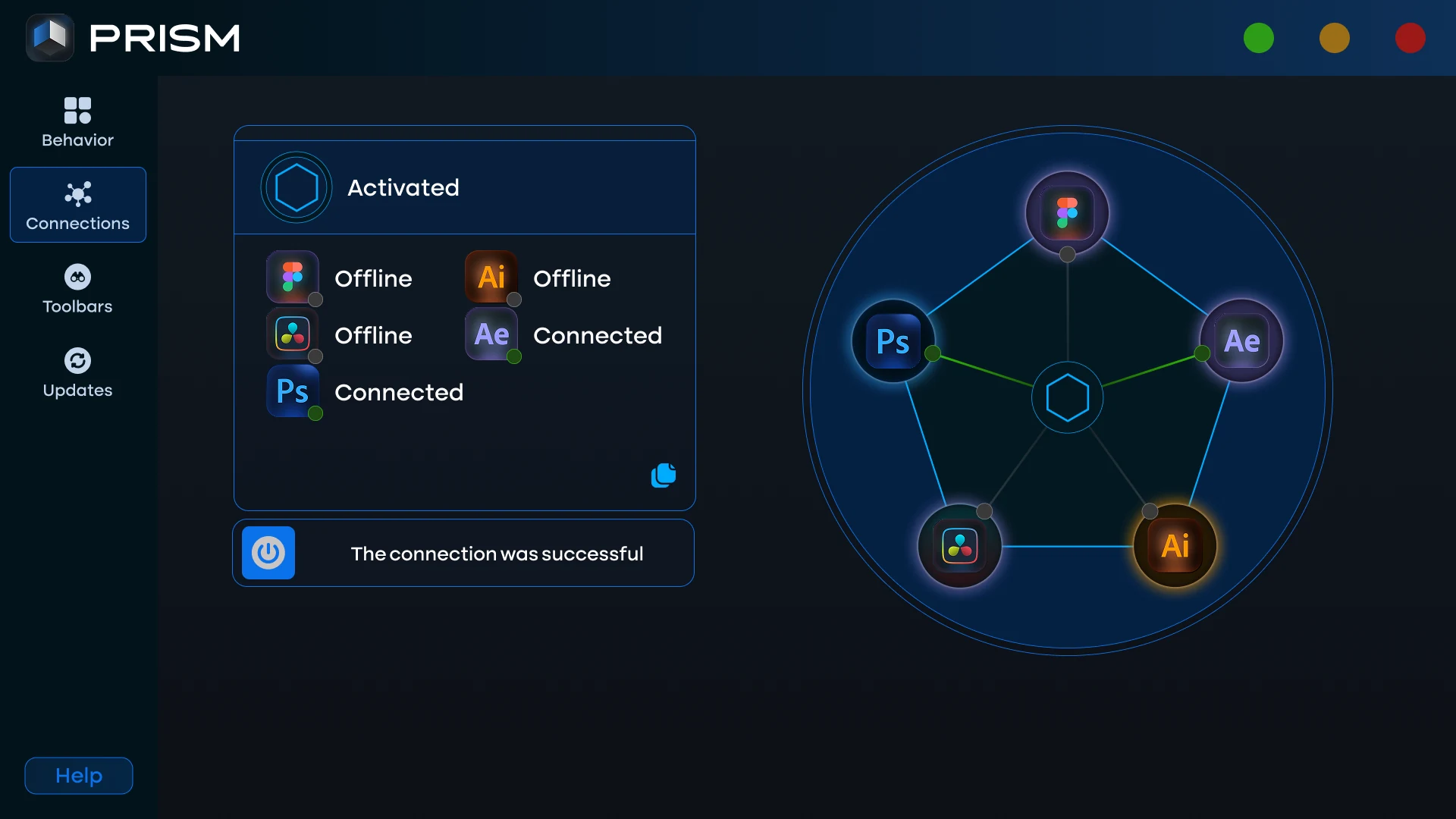
If nothing arrives, the Launcher already tells you why. Our guide Figma to After Effects not connecting? explains each state of the connection diagram and the fix for each one.
Keeping Prism up to date
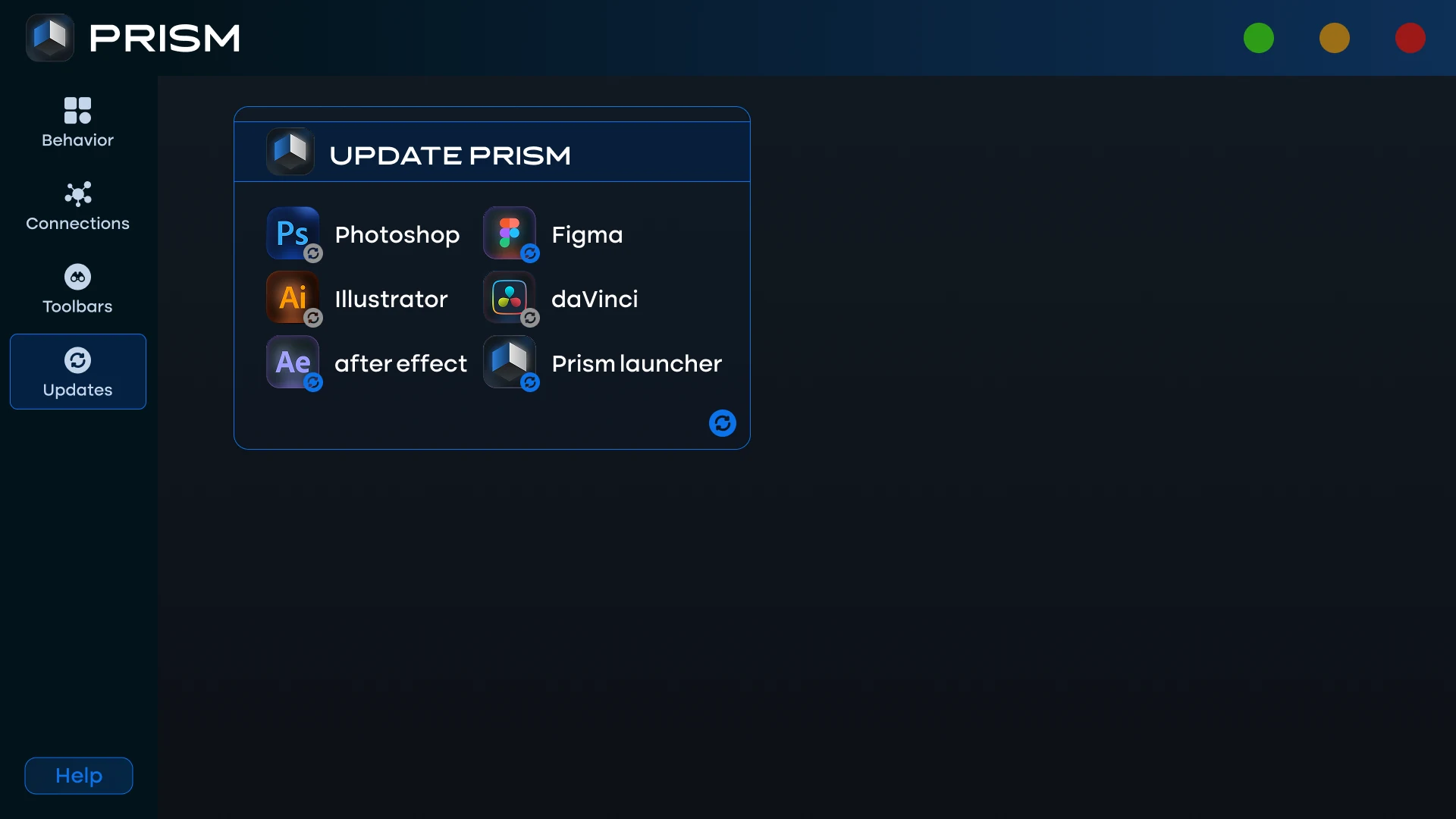
You rarely need the installer again. The Launcher's Updates page lists every part of Prism with its own version and its own Update button, and Update all does everything at once. It downloads only the files that changed. After an update, close and reopen the panel in your app, because an open panel keeps running the code it loaded.
How Prism compares with Overlord, AEUX, DEmotion and Convertify
If you are comparing Figma to After Effects plugins, these are the names you will meet, and each one has its place:
- Overlord is the best known tool in this space, and it is genuinely good. It reads Figma, Illustrator and Photoshop, and it sits at a higher price for a single perpetual licence.
- AEUX is free and reads Figma and Sketch. It is a reasonable place to start, but layer effects are where it stops.
- DEmotion is newer, Figma only, and fast.
- Convertify routes the design through an Adobe XD file first, which adds a conversion step and loses fidelity on effects.
What sets Prism apart is scope. It is one install and one licence for Figma, Illustrator, Photoshop, After Effects and DaVinci Resolve, with a single Launcher that shows what is connected. It is also the only one of these that sends a design into DaVinci Resolve as a Fusion composition. If you are looking for an Overlord alternative or an AEUX alternative, the Figma to After Effects and Illustrator to After Effects pages show exactly what arrives on the other side.
Frequently Asked Questions
Is Prism a Figma plugin or an After Effects extension?
Both. Prism is a free Figma plugin, a panel for After Effects, Illustrator and Photoshop, scripts for DaVinci Resolve, and the Launcher that connects them, all from one installer and one licence.
Do I need administrator rights to install Prism?
No. The installer writes only inside your own user folder, so it does not ask for an administrator password.
Do I enter my licence key in every app?
No. You activate once in the Launcher, and that covers every app you installed. The panels ask for nothing.
Does Prism work on macOS?
Not yet. Prism is Windows only today. You can join the macOS waitlist on the Prism store page to be told when it is ready.
Prism is not in Window > Extensions after installing. What happened?
Almost always the app was open while the installer ran, so its extension folder was locked. Close After Effects, Photoshop and Illustrator completely and run the installer again. The full Prism installation guide lists the other known causes.