Transfer Figma, Illustrator and Photoshop designs into After Effects or DaVinci Resolve as editable layers
One connection, exactly what you need
All 5 apps, fully connected. One-time price.
Pick the connection. They'll get a redeem code by email.
See it in Action
Workflow
The same three steps whether you start in Figma, Illustrator or Photoshop, and whether you are sending to After Effects or DaVinci Resolve.
Open the Prism plugin inside Figma, Illustrator or Photoshop and select the frame, artboard or layer group you want to animate. No renaming, no flattening, no export settings to get wrong.
Prism reads the selection locally, on your machine, and sends it straight to the open composition in After Effects or DaVinci Resolve. Nothing is uploaded to a server and nothing goes through an intermediate file format.
Shapes arrive as native shape layers, text stays live text, gradients stay real gradients and your group structure becomes the same nesting in the timeline. Change the design later and re-send: Live Sync updates the layers and leaves your keyframes alone.
Prism runs on Windows today. The macOS build works technically, but it still needs Apple's official signature, and without that macOS refuses to open it. Add your name and we will tell you the moment it is ready. The number of people waiting is what decides when that happens.
Sign in to join the listAn account is required so we can actually reach you, and so the count stays real.
2 people are waiting for macOS
See it, do not take our word
The only tool that goes here
What the other tools leave to you
Why Prism?
A head-to-head look at the most popular transfer tools
| Feature | Prism ✦ You're here | DEmotion | AEUX | Overlord | Manual export |
|---|---|---|---|---|---|
| Design apps it reads from | ✓ Figma, Illustrator, Photoshop | ✓ Figma | ✓ Figma, Sketch | ✓ Figma, Illustrator, Photoshop | Any (SVG/PNG) |
| Sends to After Effects | ✓ | ✓ | ✓ | ✓ | By hand |
| Sends to DaVinci Resolve | ✓ | ✕ | ✕ | ✕ | ✕ |
| Two-way sync between design apps | ✓ Figma ↔ AI ↔ PS | ✕ | ✕ | ✕ | ✕ |
| Native shape layers | ✓ | ✓ | Partial | ✓ | ✕ |
| Editable text | ✓ | ✓ | Limited | ✓ | Re-typed |
| Gradients & fills | ✓ | ✓ | Basic | ✓ | Rebuilt |
| Layer effects (blur, shadow) | ✓ | ✓ | ✕ | Partial | ✕ |
| Full layer hierarchy | ✓ | ✓ | Partial | ✓ | ✕ |
| Re-send without losing your AE keyframes | ✓ Live Sync | ✕ | ✕ | ✕ | ✕ |
| One-click Flatten & Merge | ✓ | ✕ | ✕ | ✕ | ✕ |
| Price | From $34 lifetime | $46.99 | Free (limited) | $75 | Free, costs hours |
Competitor pricing and features are as published on their own sites in August 2026 and may change.
Exporting a Figma design to After Effects normally means dumping SVGs, importing them one by one, watching the gradients break, re-typing every text layer and rebuilding the group structure by hand. On a single screen that is twenty minutes of work you will not bill for. On a full product walkthrough it is most of a day.
Prism removes that step. You select a frame, you click once, and the design lands in your composition with the layer tree intact and everything still editable. It is the same one-click transfer from Illustrator and Photoshop, and the same transfer into DaVinci Resolve.
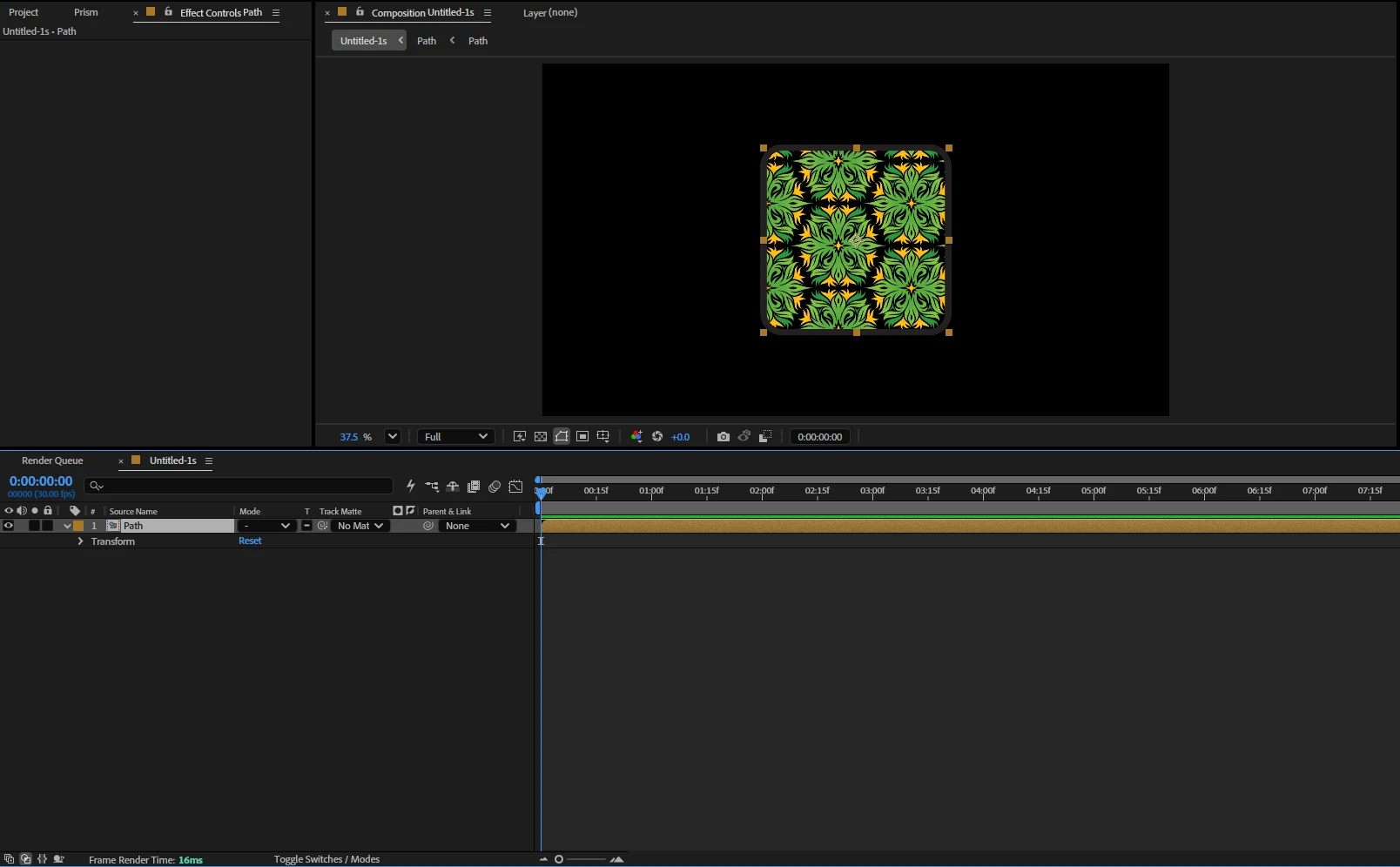
Rectangles, ellipses and vector paths arrive as native After Effects shape layers, not flattened PNGs, so you can animate path points, trim paths and stroke width exactly as you would on a shape you drew yourself. Text stays live text: font, weight, size, tracking, line height and the copy itself can all be changed inside After Effects after the transfer, with the anchor point already centred so a scale or a rotation behaves the way you expect.
Solid colours and linear or radial gradients are rebuilt as real After Effects fills and gradient ramps, with every colour stop, angle and per-stop opacity preserved, rather than baked into a bitmap you cannot recolour. Layer effects such as Gaussian blur and drop shadow carry across as effects you can keyframe. Frames and groups become the same nesting in the timeline: frames turn into pre-compositions, groups into null-parented sets, and the z-order matches the design. Image fills are exported at full resolution and placed exactly where they sat.
Masks come across too, in all five of the forms Photoshop offers: a painted raster mask becomes a luma track matte with every grey value intact, a vector mask is rebuilt as a real editable After Effects mask, the two compose on one layer exactly as they did in the design, a mask on a group becomes a matte on the pre-composition, and a shape layer arrives cut to its own outline. See each one transferred side by side.
This is the part every other Figma to After Effects plugin leaves to you. Designs change after the animation has started, and the usual answer is to delete the old layers, transfer again and redo the keyframes. Prism tags every layer it creates, so a re-send finds the layer that already exists and updates its geometry, colour and text in place. Your keyframes, your expressions and your parenting survive. That is what Live Sync means on this page, and it is documented step by step in the Prism guide.
Overlord is the best known tool in this space and it is genuinely good: it reads Figma, Illustrator and Photoshop, and it sits at a higher price for a single perpetual licence. AEUX is free, reads Figma and Sketch, and is a reasonable place to start, but layer effects are where it stops. DEmotion is newer, Figma only, and fast. Convertify routes the design through an Adobe XD file first, which adds a conversion step and loses fidelity on effects.
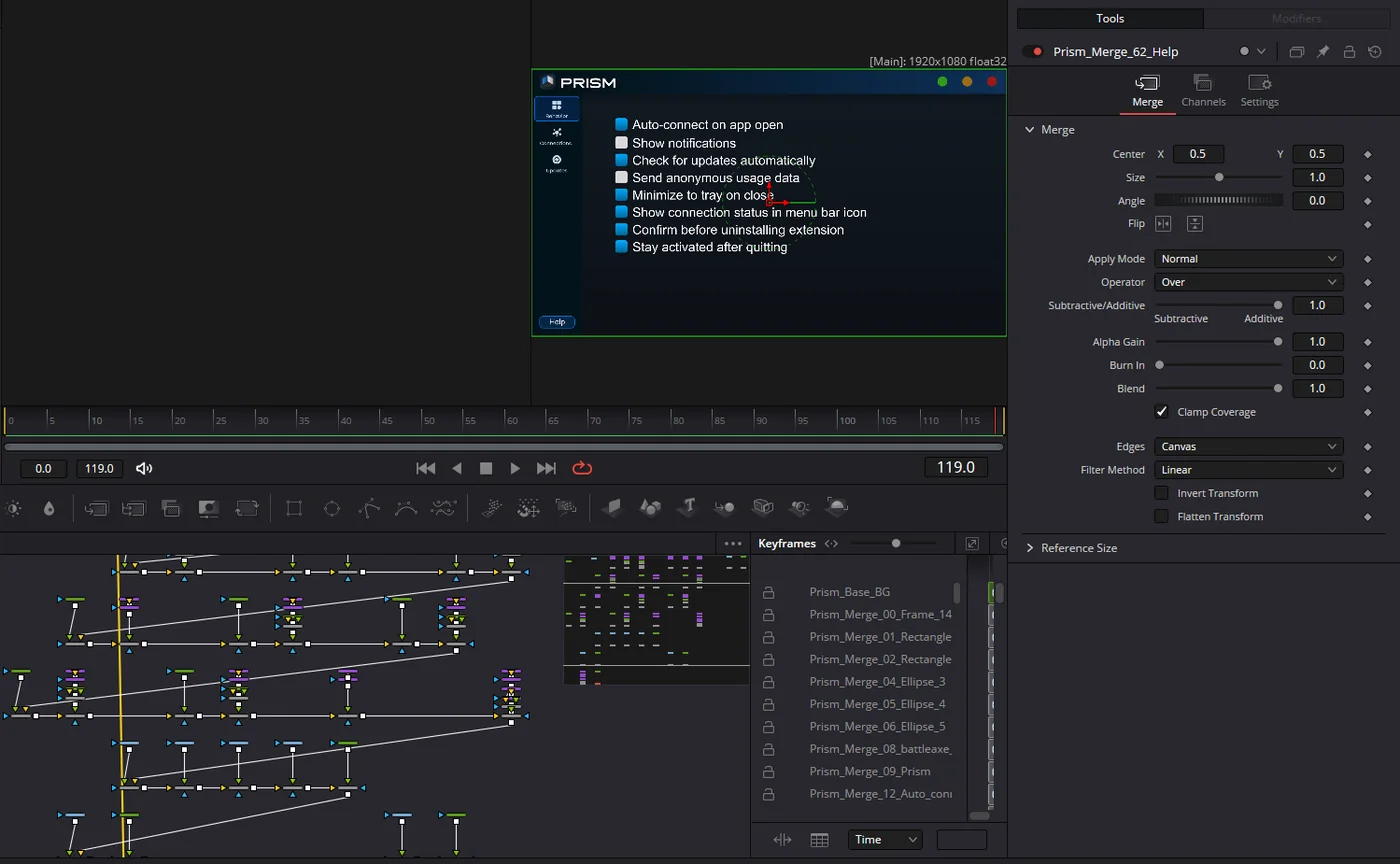
Three things none of them do. Prism sends a design into DaVinci Resolve as a Fusion composition, not only into After Effects. Prism syncs in both directions between the design apps themselves, so a Figma frame can land in Illustrator or Photoshop and come back. And Prism re-sends without destroying the keyframes you have already set. If you are shortlisting an Overlord alternative or an AEUX alternative, those are the three questions worth asking of each one. See what a Figma design becomes inside Resolve.
Motion designers animating UI, product teams turning a Figma prototype into a demo video, agencies producing SaaS explainers where the design system lives in Figma and the animation lives in After Effects, and editors who finish in Resolve and were previously cut off from every design-to-motion bridge on the market.
Prism is two halves: a plugin inside your design app that reads the selection, and a panel inside After Effects or Resolve that builds the layers. A single Windows installer sets up both, you paste your licence key once, and every transfer after that is one click. Works on After Effects CC 2019 and newer, on Windows. A macOS build is in progress. Full walkthrough in the Prism guide.
Common Questions
Everything you need to know before buying