You already spend hours every week watching movies, series and YouTube videos in English. Most of that time, the English just flows past you. A word you do not know appears, the scene moves on, and the word is gone.
Word Lens is a free Chrome extension that turns that time into learning. It shows two subtitles at once, explains every hard word in the sentence where you met it, and brings the words back later so they actually stay. This is what it does and how it fits into a normal evening.
Two subtitles, so you never lose the scene
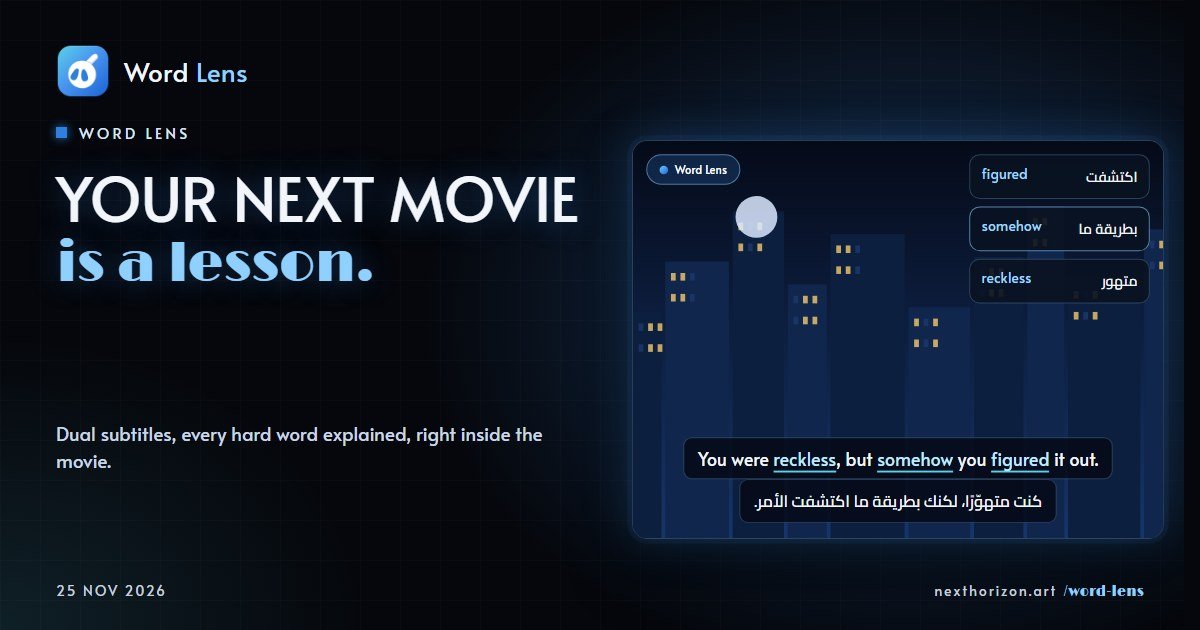
The English line from the video sits on top. Your own language sits right under it. You keep following the story, and you still see the real English the actors say. When you want the English only, you do not have to look at the second line.
- No pausing to open a dictionary. The meaning is already on screen.
- The hard words stand out. They are underlined, with their meaning shown on the side.
- It works where you watch. YouTube and most movie sites that have subtitles.
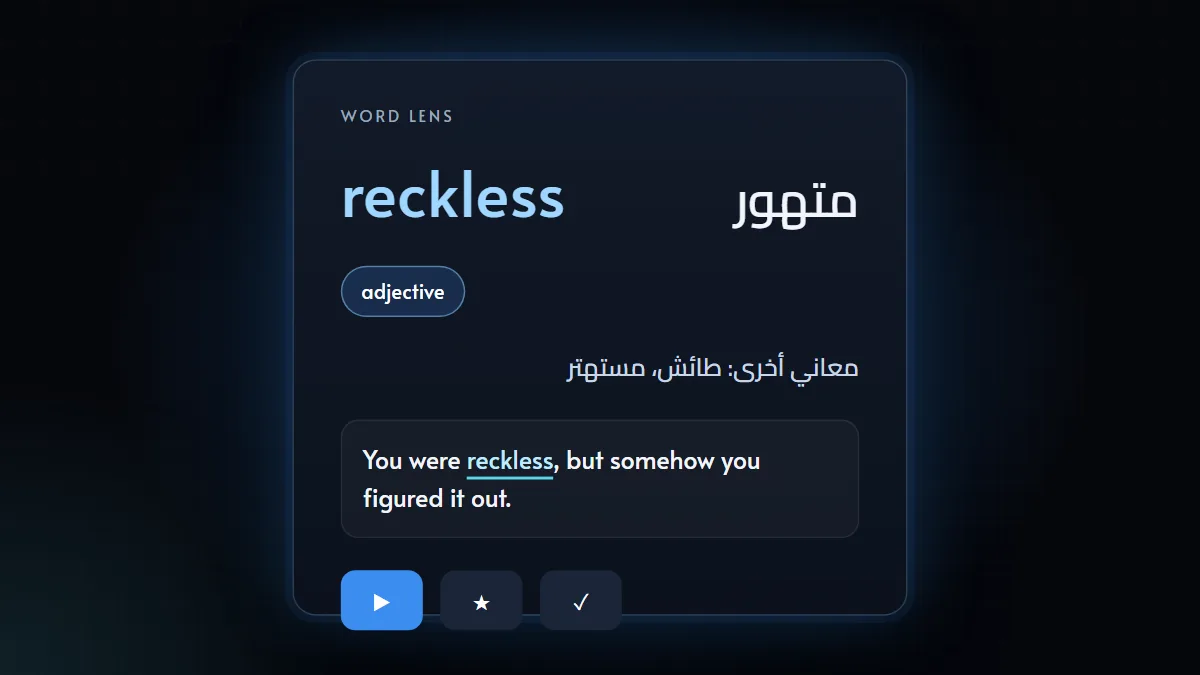
The meaning that fits the sentence
A normal dictionary gives you the first meaning on the list. English words have many meanings, and the first one is often the wrong one for your scene. Word Lens shows the meaning that fits the sentence, then other meanings below it, so you do not learn the wrong thing. We explain why this matters in our guide to learning words in context.
Press a word and you also get a natural voice. Press twice to hear it slowly.
Words that come back before you forget them
Saving words is easy. Remembering them is the hard part. Word Lens brings your saved words back for review at the right time, just before they fade, so a word you met in one scene is still yours next month. Read how smart review works.
Learning that feels like playing
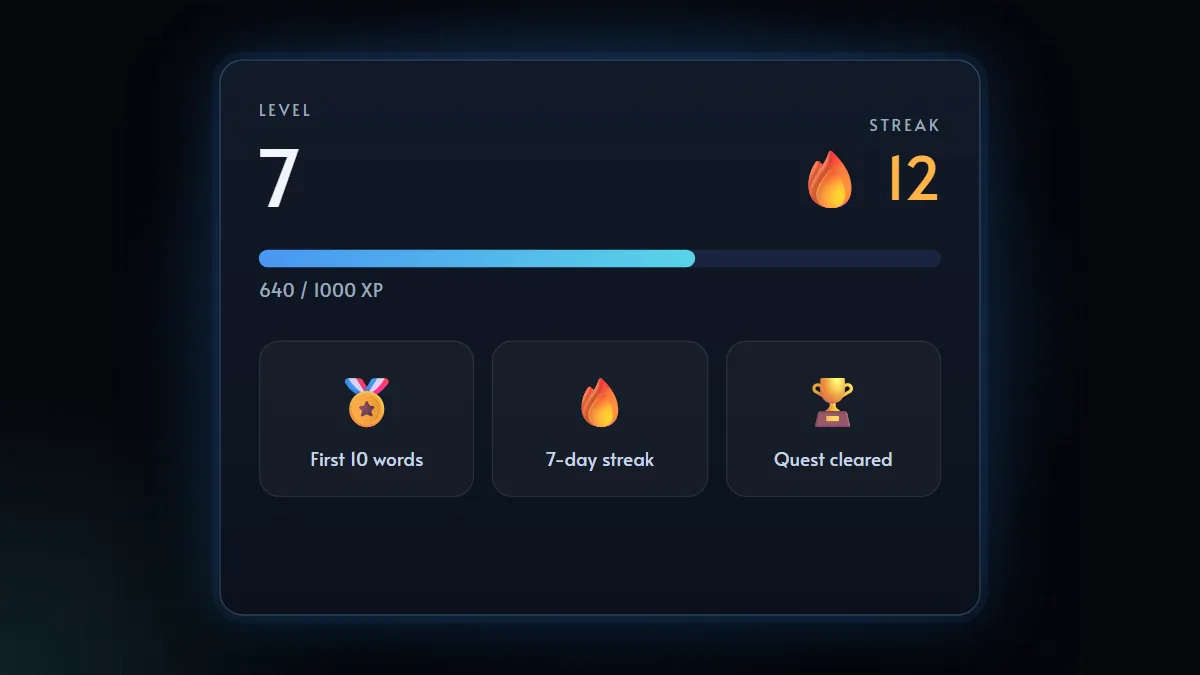
Your own words become games: Word Quest with five stations and a boss, sentence building, typing what you hear, and a card for every word that climbs from bronze to diamond. There is a daily ranking and a conquest map if you like a little competition. All of it is built from the words you chose, so it is always about the movies you enjoy.
Who is it for?
- Arabic speakers learning English who want real speech, not textbook sentences. Word Lens was built with Arabic first.
- Intermediate learners who understand a lot but keep hitting unknown words.
- Anyone who already watches in English and wants to get more out of it with no extra study time.
It starts free: dual subtitles, meanings, natural voice, smart review, up to 20 saved words, and a daily allowance of games. Paid plans remove those limits and add the full card album and AI, and you can see the details on the Word Lens page. A phone app for Android is on its way, with the same account and the same words.
Frequently Asked Questions
Is Word Lens really free?
Yes, you can start free. The free plan keeps up to 20 saved words and gives you a daily allowance of games. Paid plans remove those limits, and your saved words stay yours if you ever cancel.
Which websites does it work on?
YouTube and most movie and series sites that provide subtitles.
Do I need an account?
Yes. Word Lens works with a free Next Horizon account. You sign in once from the extension, and the same account keeps your words, progress and games in sync with the website.
Which languages does it support?
English with Arabic first, and more of the world's languages are being added.
Your next movie is your next lesson. See Word Lens and try it on the first scene you watch tonight.