Why Your Masks Arrive Broken (and Nobody Warns You)
When you import a PSD into After Effects and choose to keep layers editable, there is a good chance your layer masks will come through fine on simple files. The moment you have group masks, clipping masks stacked inside nested groups, or pixel masks sitting on adjustment layers, things fall apart fast. Masks merge. Layers flatten. What looked perfect in Photoshop looks nothing like it in After Effects, and you spend the next 90 minutes figuring out why.
Photoshop to After Effects masks is one of those workflows that feels like it should just work. It almost does. The gap between almost and actually is where real project time disappears.
What Actually Breaks During a PSD Import
After Effects reads PSD files using its own interpretation of the layer structure. It does not reproduce every Photoshop behavior one-to-one, and certain mask types are more vulnerable than others.
Group masks are the biggest offender
In Photoshop, you can place a mask directly on a group folder. That mask clips every layer inside the group at once. After Effects does not support group-level masks natively. When you import the file, After Effects either ignores that mask entirely or merges the whole group into a flat layer, which means you lose individual layer access completely.
Clipping masks behave differently too
Clipping masks translate into After Effects as alpha track mattes, which is not the worst outcome. But if your clipping mask chain is more than two layers deep, the relationship can break or render incorrectly depending on the comp settings. You will not always get an error. It will just look wrong on export.
Vector masks vs. pixel masks
Vector masks (paths drawn with the Pen or shape tools) have a better chance of surviving the import. Pixel masks, especially soft-edged ones painted with a brush, are far more fragile. After Effects may import them, but the feathering and edge quality sometimes shift in ways that are subtle enough to miss during review and obvious enough to embarrass you on delivery.
The masks that look fine in the AE comp viewer are not always the masks that render correctly. That is the part that gets people.
How to Prepare Your Photoshop File Before You Export
Getting photoshop to after effects masks working cleanly starts in Photoshop, before the file ever touches After Effects. A few habits make a real difference.
- Avoid group-level masks when possible. Instead of masking an entire folder, pre-composite those layers into a Smart Object and apply the mask there. After Effects handles Smart Objects differently, but it gives you a cleaner starting point.
- Name every masked layer clearly. When things break, you need to find them fast. Generic names like Layer 23 copy slow you down when you are debugging at midnight before a deadline.
- Convert pixel masks to vector paths where you can. Cleaner edges, more predictable import behavior, and you can actually animate the path in After Effects if you need to.
- Flatten clipping mask chains. If a clipping mask relationship is purely decorative and will never be animated, merge it down before export. Reserve live clipping masks for elements you actually need to move.
- Keep adjustment layers separate from masked layers. Adjustment layers with masks are a known trouble spot. Put them in their own group with no mask on the group itself.
None of this is revolutionary. It is the kind of prep work that experienced motion designers do without thinking about it, and that everyone else learns the hard way on a client project with a tight turnaround.
How Prism Handles the Bridge Between the Two Apps
This is where I will be direct about what Prism does, because it is relevant here even though Prism started as a Figma-to-After-Effects tool. The same underlying problem exists in both workflows: design tools organize layers and masks in ways that do not map cleanly to After Effects comps, and the standard import process loses information.
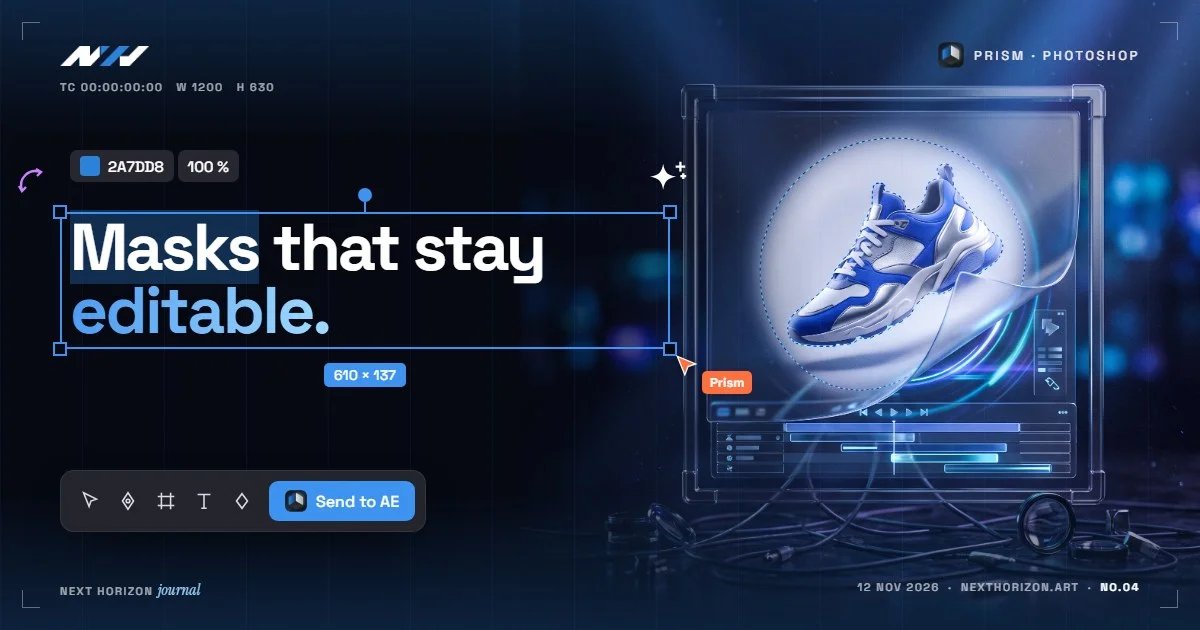
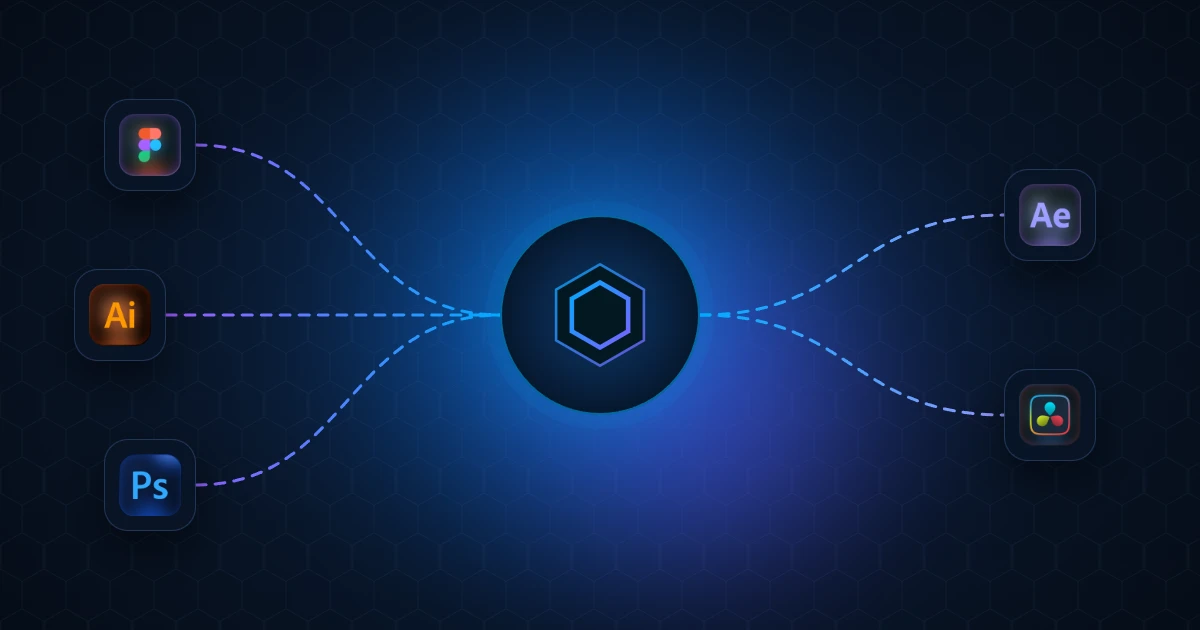
Prism's Photoshop bridge is built to carry layer structure into After Effects with masks intact and editable. Rather than relying on After Effects' default PSD interpretation, Prism reads the layer hierarchy and reconstructs it as a proper comp structure where masks remain live. You can still go into the mask path and keyframe it. You are not handed a flattened image and told to work with that.
For teams doing a lot of photoshop to after effects masks work, especially on UI animation or brand identity projects where the original artwork was built in Photoshop, that editable mask structure is not a nice-to-have. It is the whole point. Animating a reveal on a masked shape group is straightforward when the mask is accessible. It is a rebuild job when it is not.
Prism starts at $69. If you are regularly losing two or three hours per project to mask reconstruction, that pays for itself the first time you use it. Check the product page for current details and what is included.
If you want to see how this kind of workflow fits into broader motion graphics production, the motion graphics work we do at Next Horizon gives you a sense of how these technical details translate into finished output.
Rebuilding masks from scratch is a workflow tax. It costs time on every project and compounds across a year of work in ways that are easy to underestimate until you actually add it up.
The Real Goal: Masks You Can Actually Animate
Getting photoshop to after effects masks across cleanly is not just about preserving the visual. It is about preserving your ability to do something with that visual. A mask that made it into AE but got baked into a pre-comp you cannot touch is almost worse than a broken import, because it looks fine until the moment you need to change it.
The workflow that holds up over time is this: prep the PSD thoughtfully, use a bridge tool that respects layer structure, and verify every critical mask in After Effects before you start building keyframes on top of it. That last step is the one people skip. Do not skip it.
If you are regularly working across Photoshop and After Effects and want to see how other studios handle this kind of production setup, take a look at our portfolio at Next Horizon for reference.
At Next Horizon we have worked through enough broken PSD imports to know what actually fails and why. If your team is hitting these problems repeatedly, feel free to reach out. Sometimes a 20-minute conversation saves a week of troubleshooting.
Frequently Asked Questions
Why do my Photoshop layer masks disappear when I import into After Effects?
After Effects does not support every Photoshop mask type natively. Group-level masks are the most common casualty since AE has no direct equivalent. Soft pixel masks and deep clipping mask chains also tend to break or flatten. Preparing the PSD carefully before import, and using a bridge tool, reduces the loss significantly.
How do I keep Photoshop masks editable in After Effects?
Convert pixel masks to vector paths where possible, avoid placing masks directly on group folders, and use a structured bridge workflow rather than a raw PSD drag-and-drop import. Tools like Prism are built to carry layer structure and masks into After Effects as live, animatable elements rather than flattened layers.
What is the difference between a vector mask and a pixel mask in Photoshop?
A vector mask is defined by a path, like a shape drawn with the Pen tool. A pixel mask is painted directly with a brush and stored as grayscale pixel data. Vector masks translate into After Effects with cleaner edges and more predictable behavior. Pixel masks can shift in feathering and edge quality during import.
Do clipping masks from Photoshop work in After Effects?
Clipping masks convert to alpha track mattes in After Effects, which is workable for simple cases. When clipping mask chains are stacked more than two layers deep, the relationship can break or render incorrectly. Flattening any clipping masks you do not need to animate is the safest approach before importing.
Is there a plugin that handles Photoshop to After Effects masks automatically?
Prism includes a Photoshop bridge designed to carry layer hierarchy and masks into After Effects as editable comp structures. Instead of relying on AE's default PSD interpretation, it reconstructs the layer relationships so masks remain live and animatable. It starts at $69, check the product page for current details.