Illustrator to After Effects, and what actually arrives
Every picture below is one transfer: Illustrator on one side, the layer it produced on the other. Nothing is redrawn and nothing is arranged by hand.
The hard cases are here on purpose: tapered strokes, stacked Appearance fills, live effects, pattern fills. They are the ones every other bridge hands back to you as manual work.
One panel, inside Illustrator
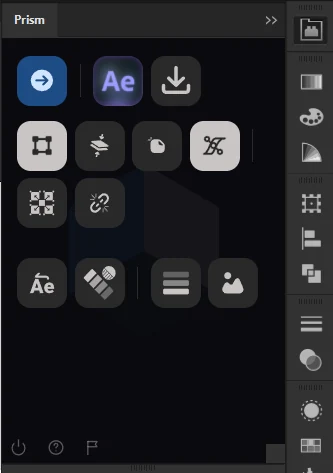
Push, receive, and the handful of switches that decide how the artwork is read. From the Prism Launcher the buttons can be reordered, hidden, set to one of three icon sizes, and grouped with separators and line breaks the way you actually work. Push is the one button that always stays.
Some buttons carry their own setting there as well, such as building a design the moment it arrives instead of pressing Receive. The same panel sends to Figma and Photoshop too, and receives from them.
Your file is never touched. Everything below is read from a private copy Prism makes and throws away, so your artwork is not expanded or flattened and its undo history stays empty.
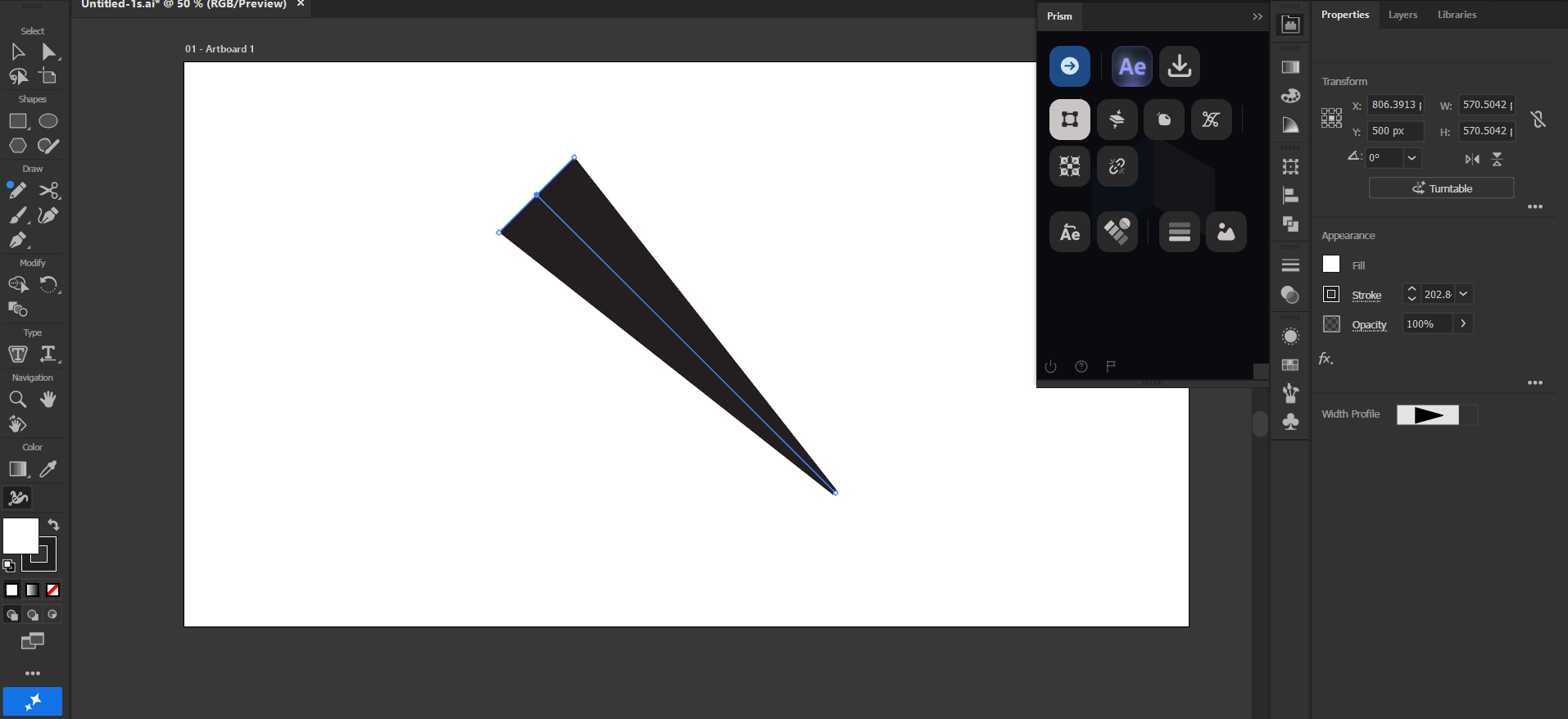
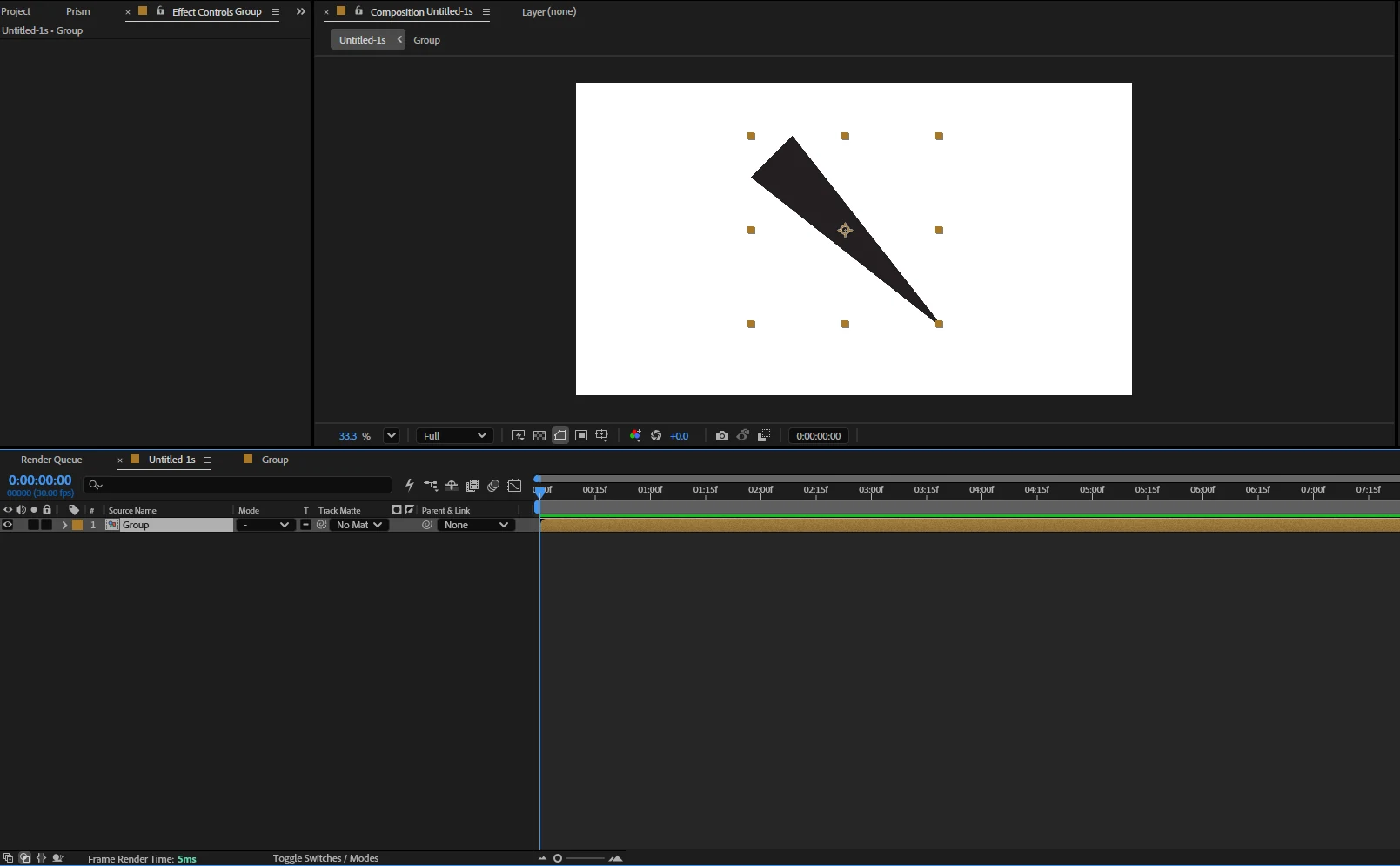
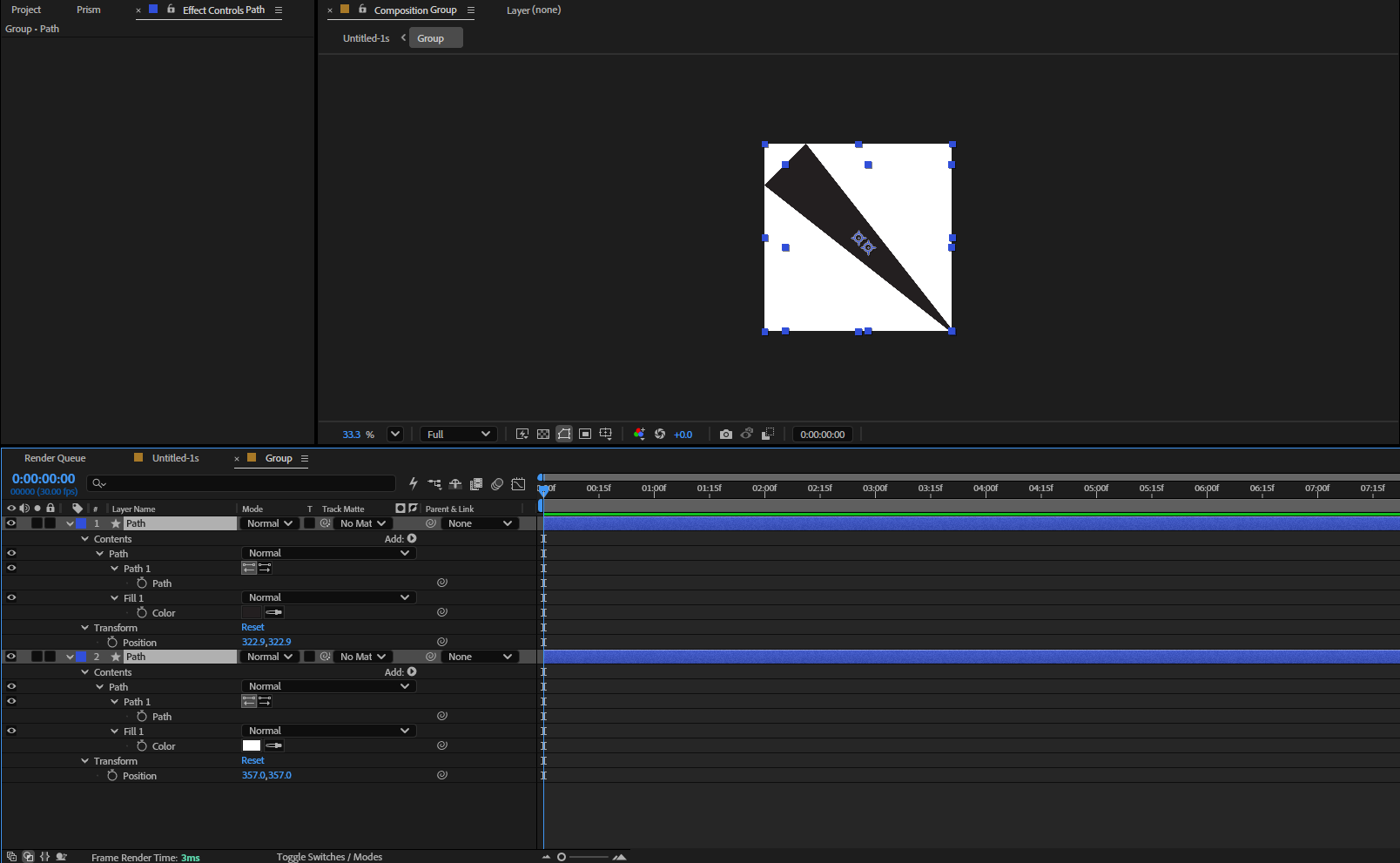
A tapered stroke keeps its taper
A stroke with a width profile, thin at the ends and full in the middle.
After Effects strokes have one width from end to end, so a tapered stroke cannot arrive as a stroke and still look right. Prism bakes it into a real shape that matches the artwork exactly, points still editable. Overlord does not read width profiles at all and asks you to expand the artwork by hand first.
Stacked fills and strokes, in one layer
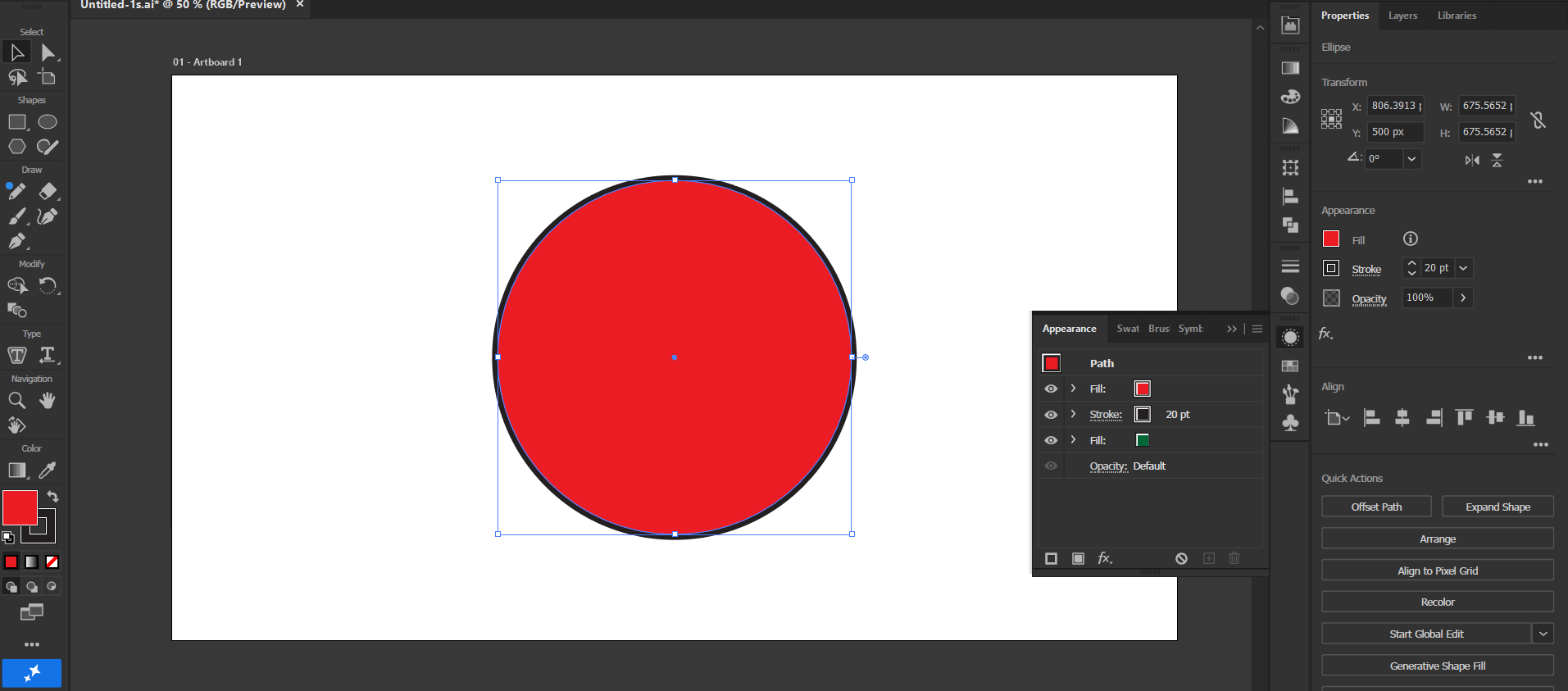
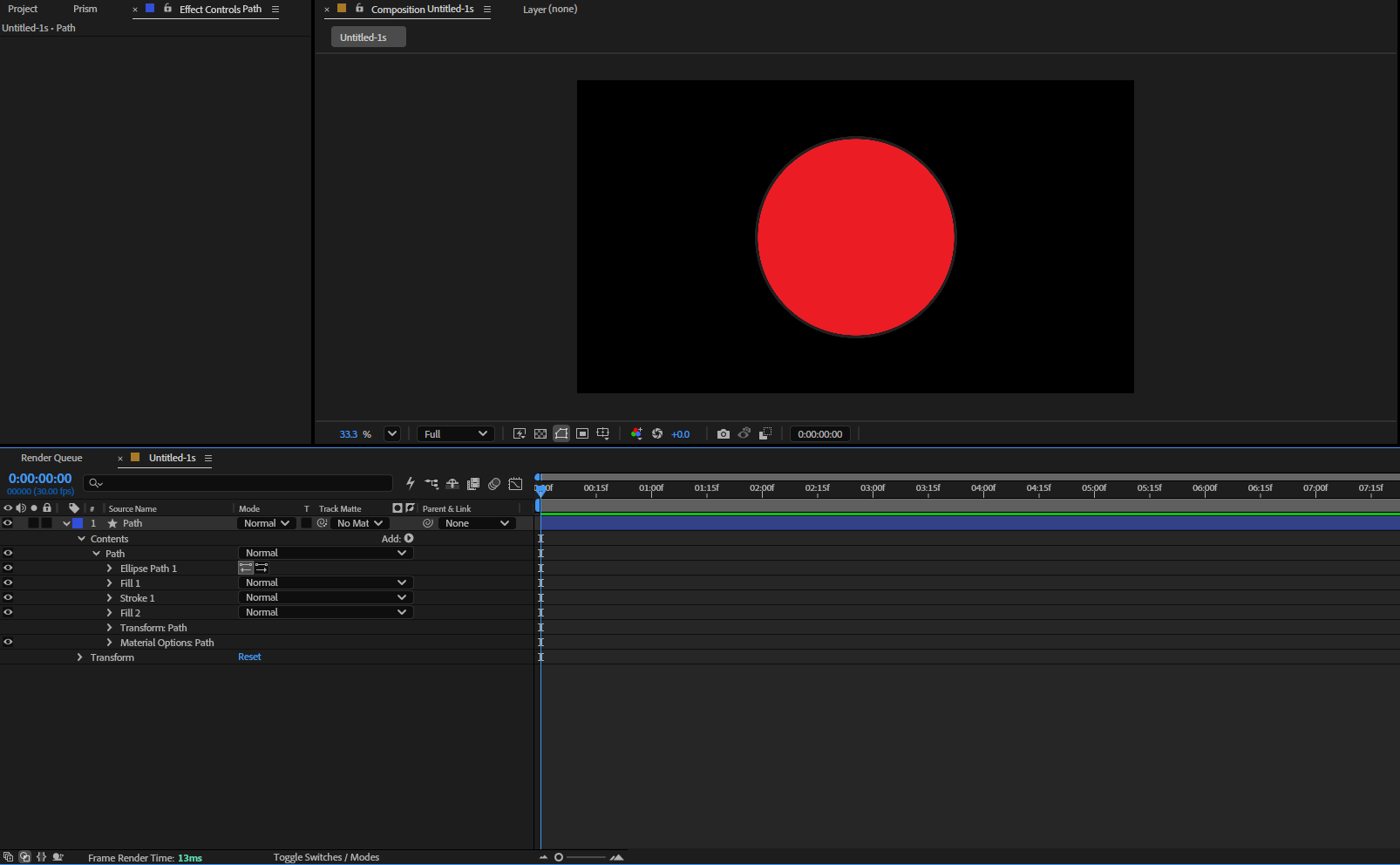
A shape carrying a fill, a stroke and a second fill in its Appearance panel.
All three arrive in a single After Effects shape layer, in the order Illustrator had them, because that order is what decides which paint covers which. Each stroke keeps its own width, caps, joins and dashes rather than borrowing the first one.
A drop shadow arrives as a real effect
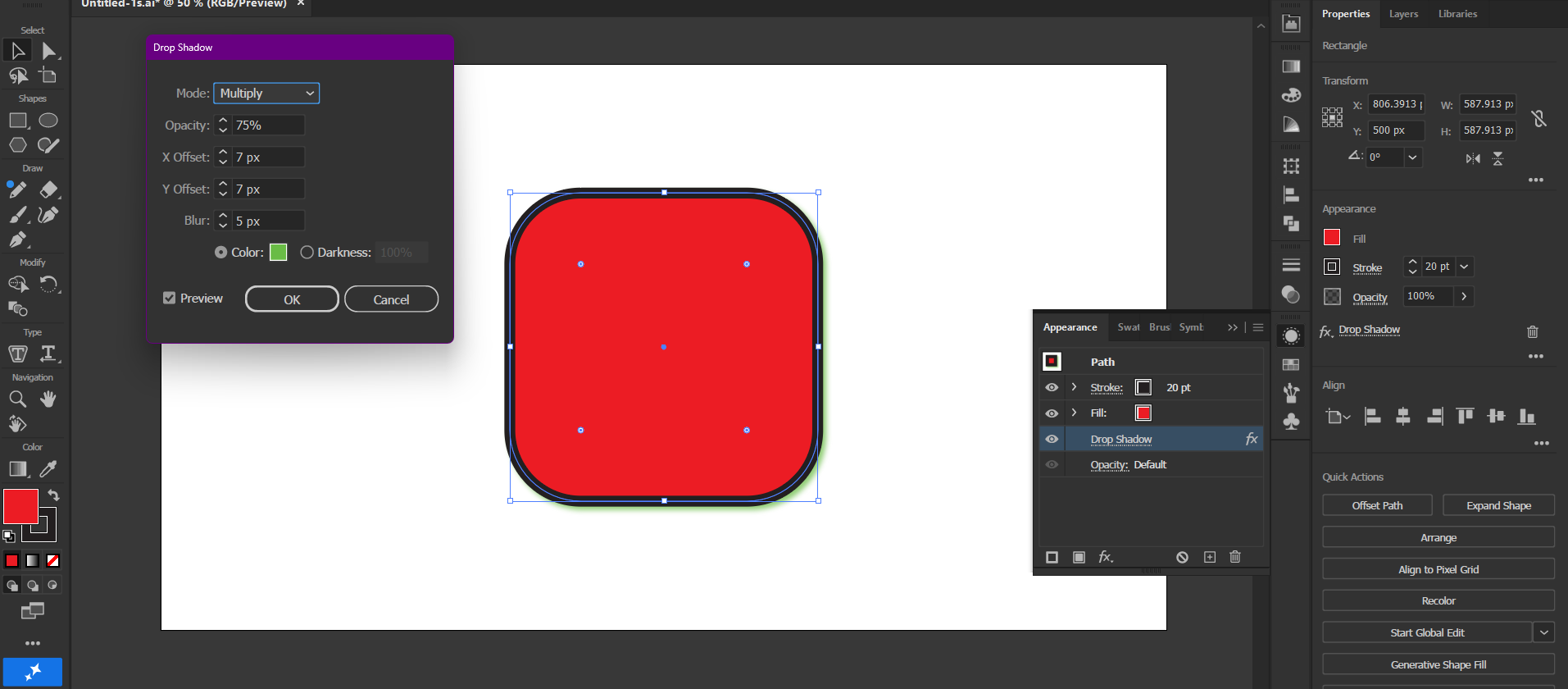
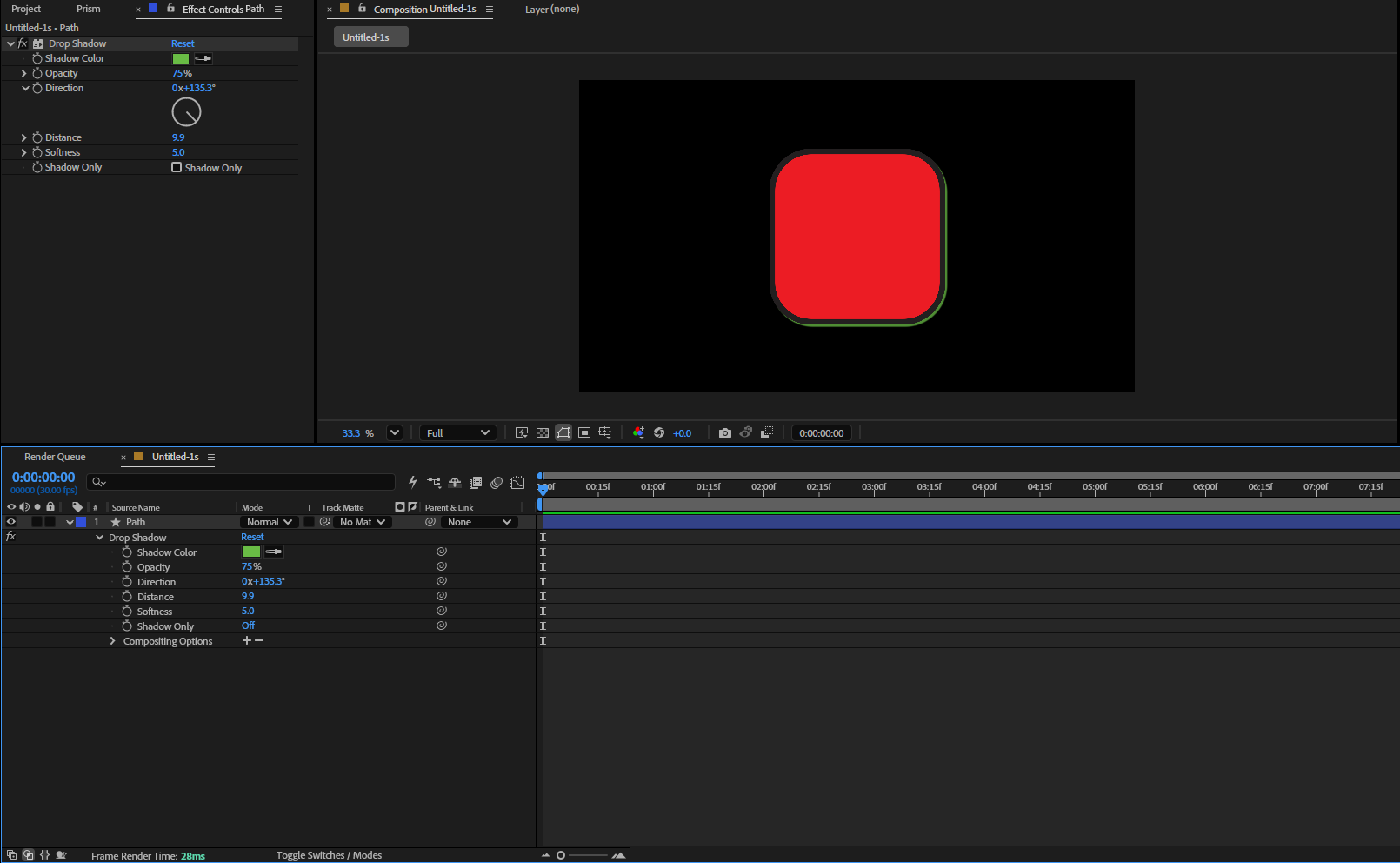
Effect > Stylize > Drop Shadow, with its own colour and blur.
Not a flat picture of a shadow: a real After Effects Drop Shadow with its colour, opacity, direction, distance and softness, all still editable and animatable. Illustrator exposes none of those numbers to scripting, so Prism measures them from the artwork itself.
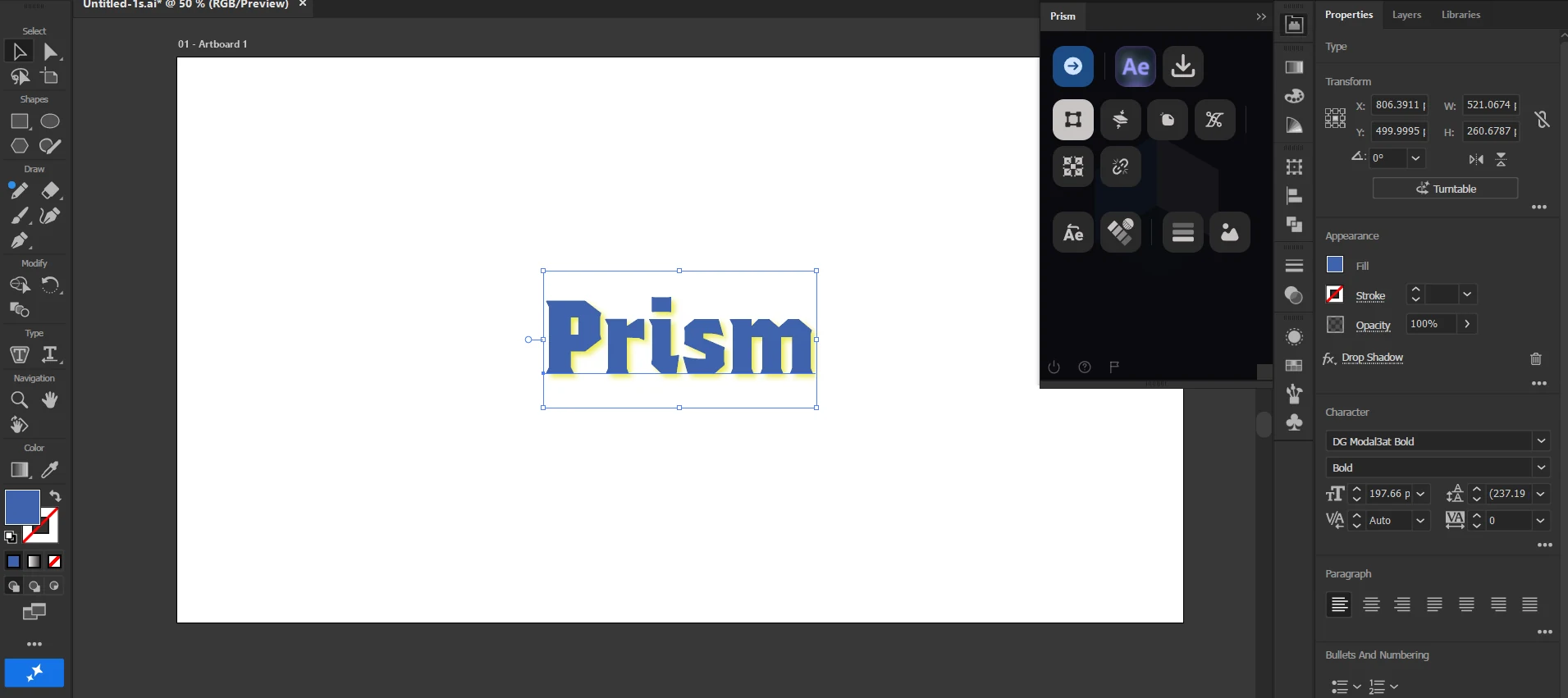
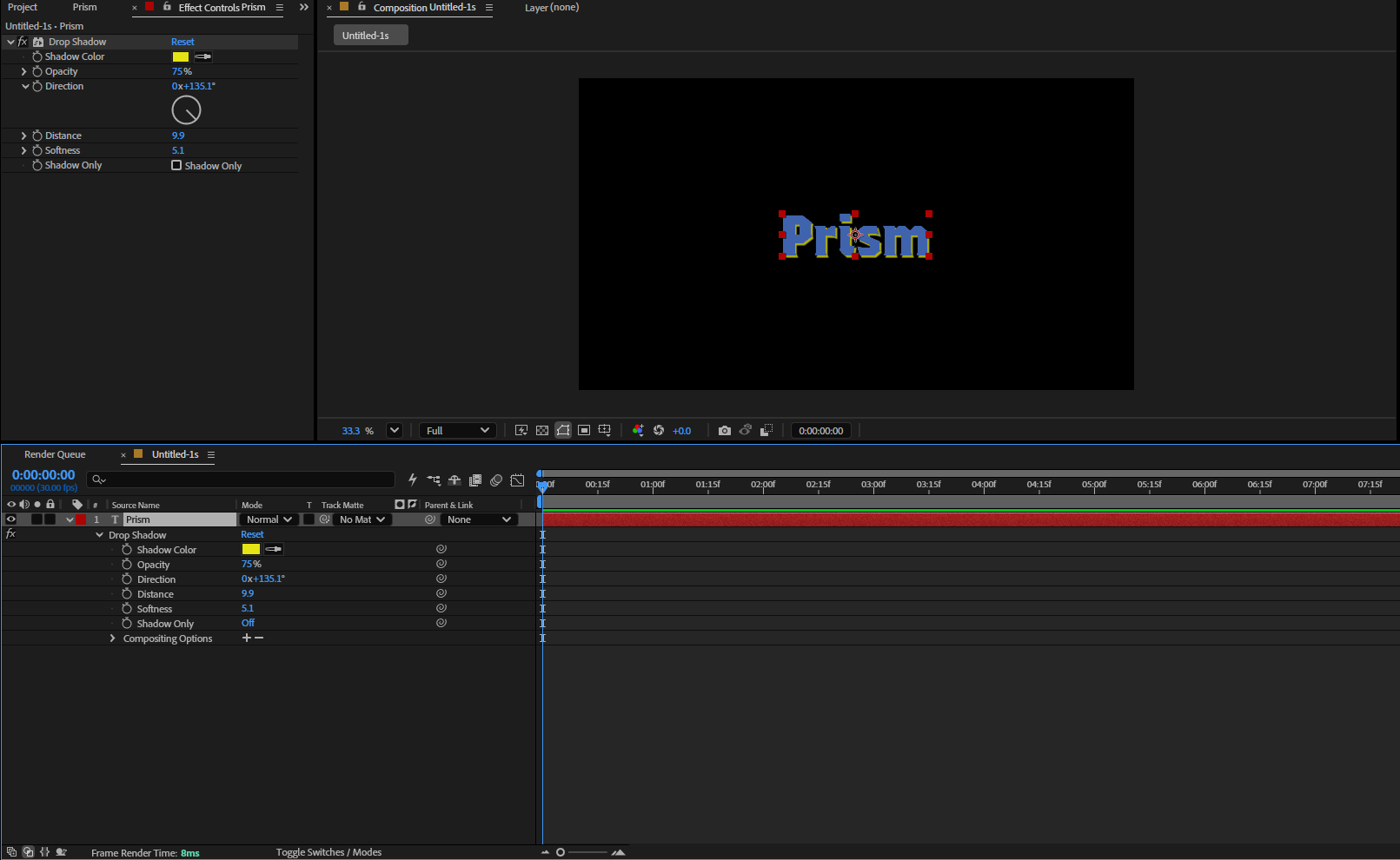
A shadow on text, with the text still text
A headline carrying a drop shadow.
The shadow is measured without ever converting the type to outlines. What arrives is an editable text layer you can retype, restyle and animate per character, wearing a real Drop Shadow.
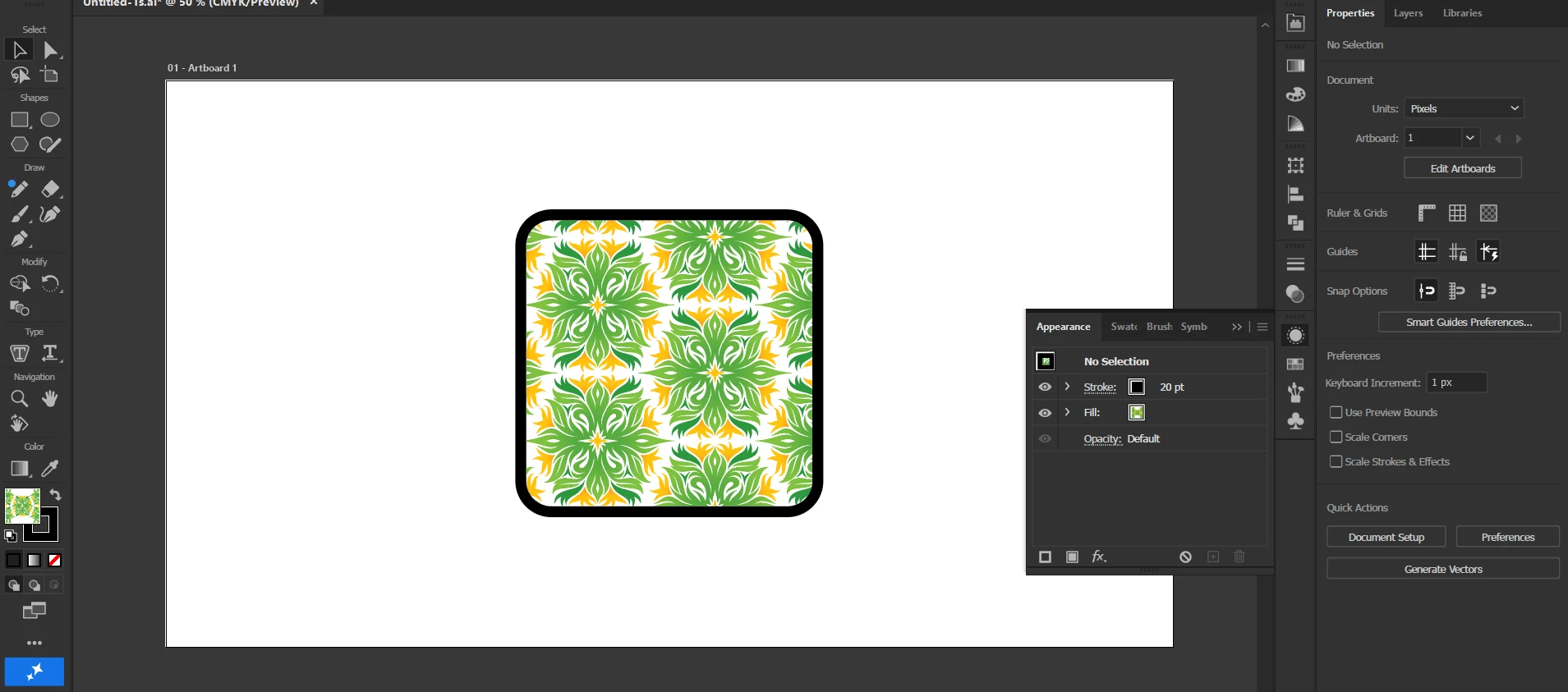
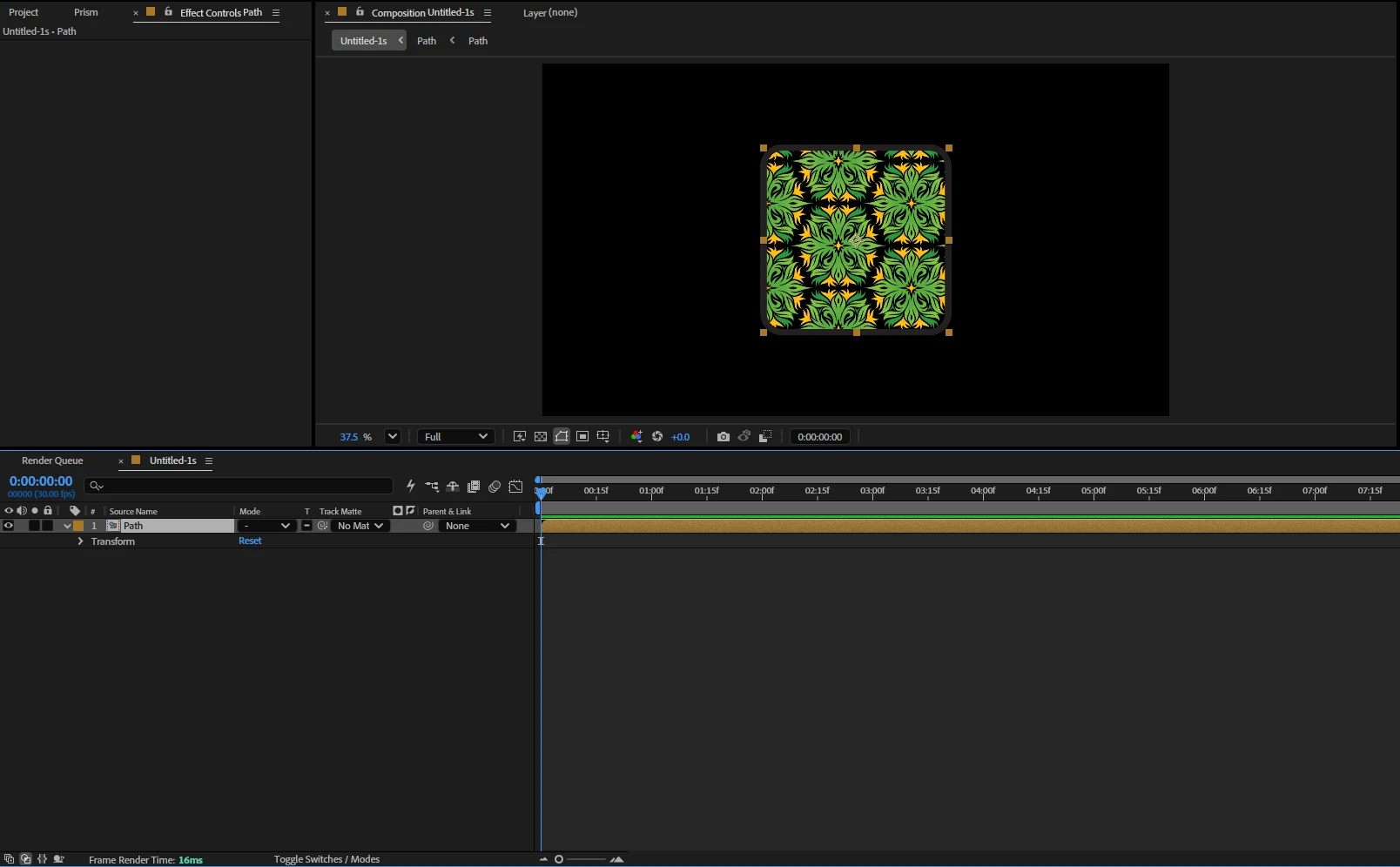
A pattern fill, with the shape still editable
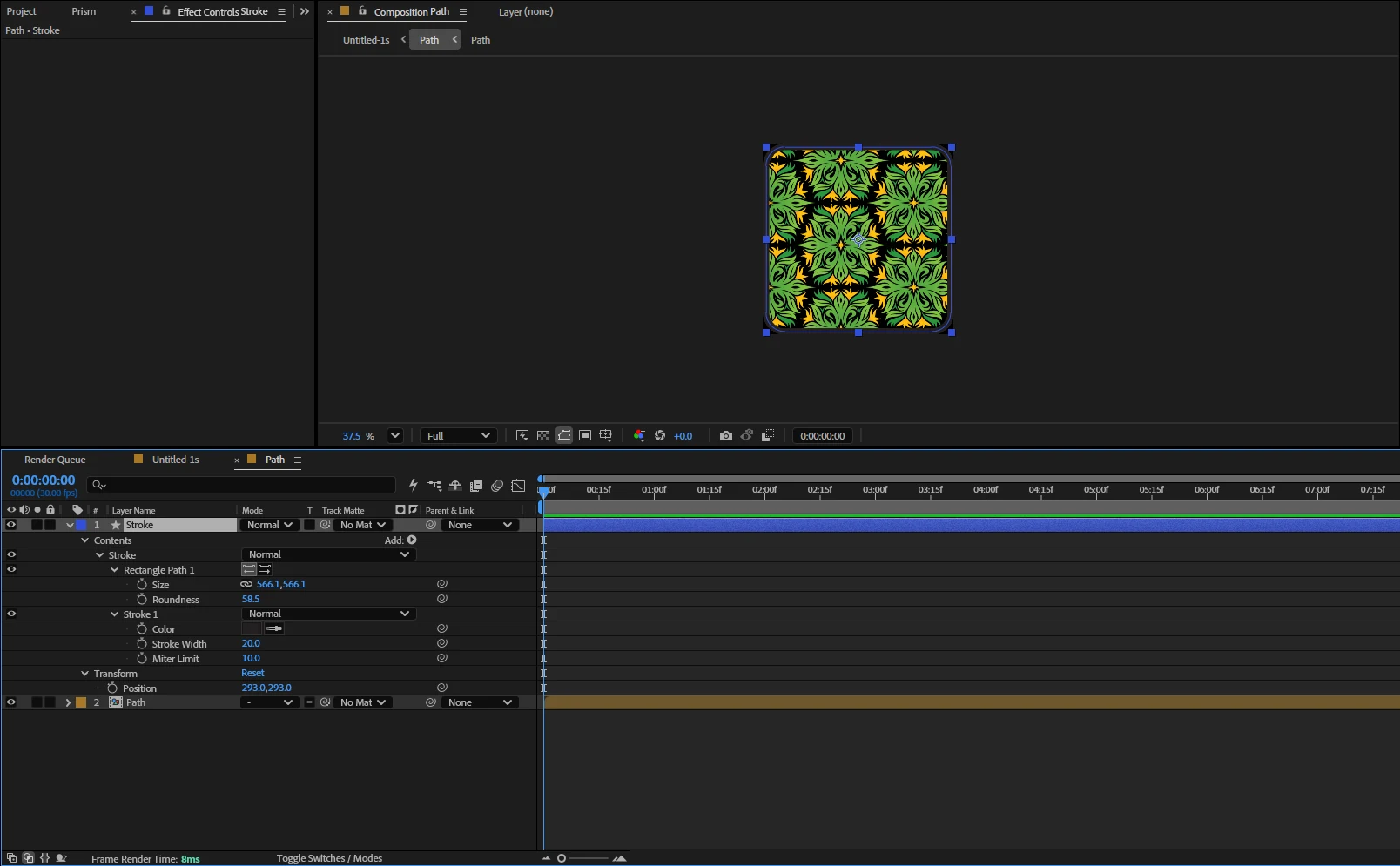
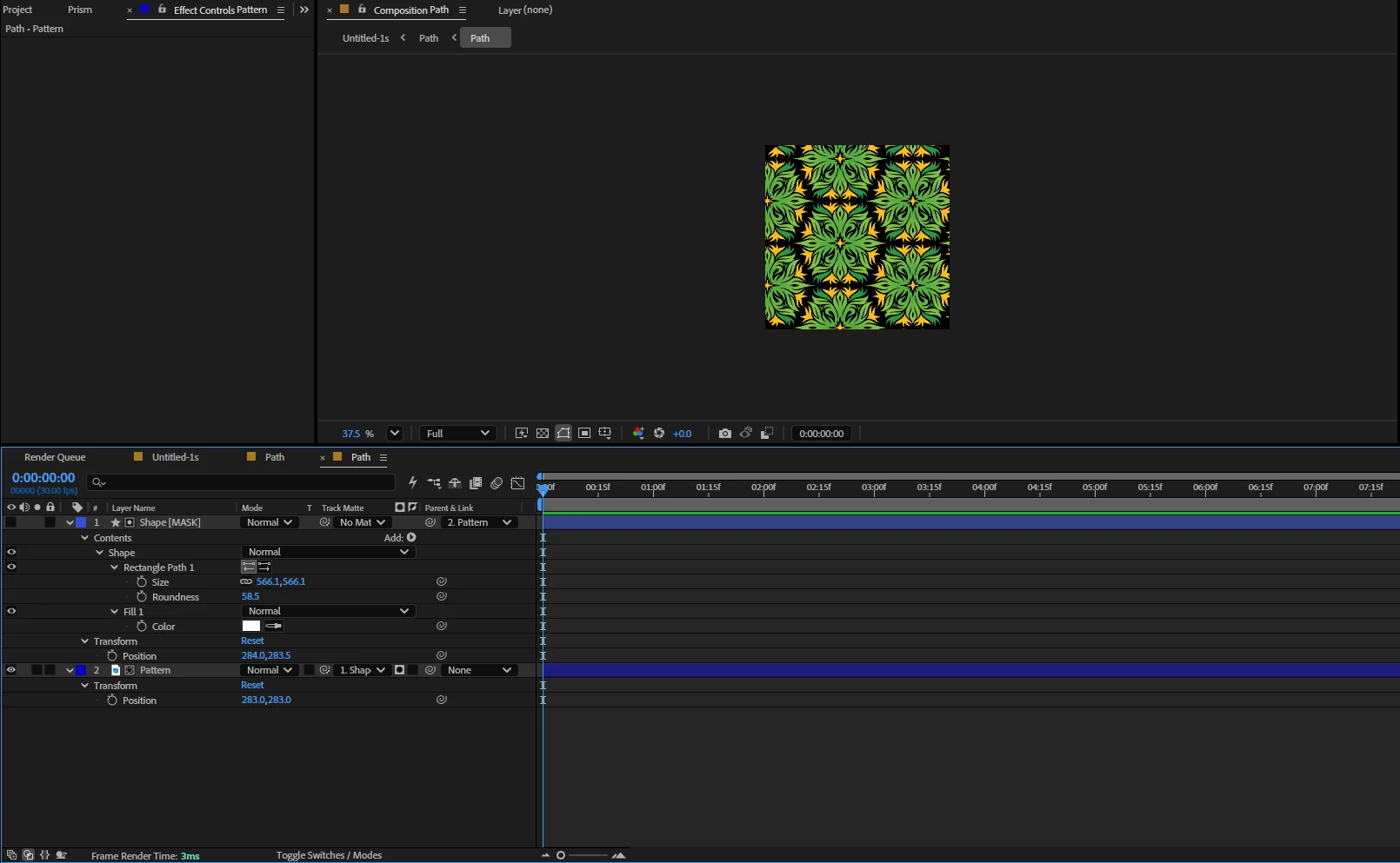
A shape filled with a repeating pattern swatch.
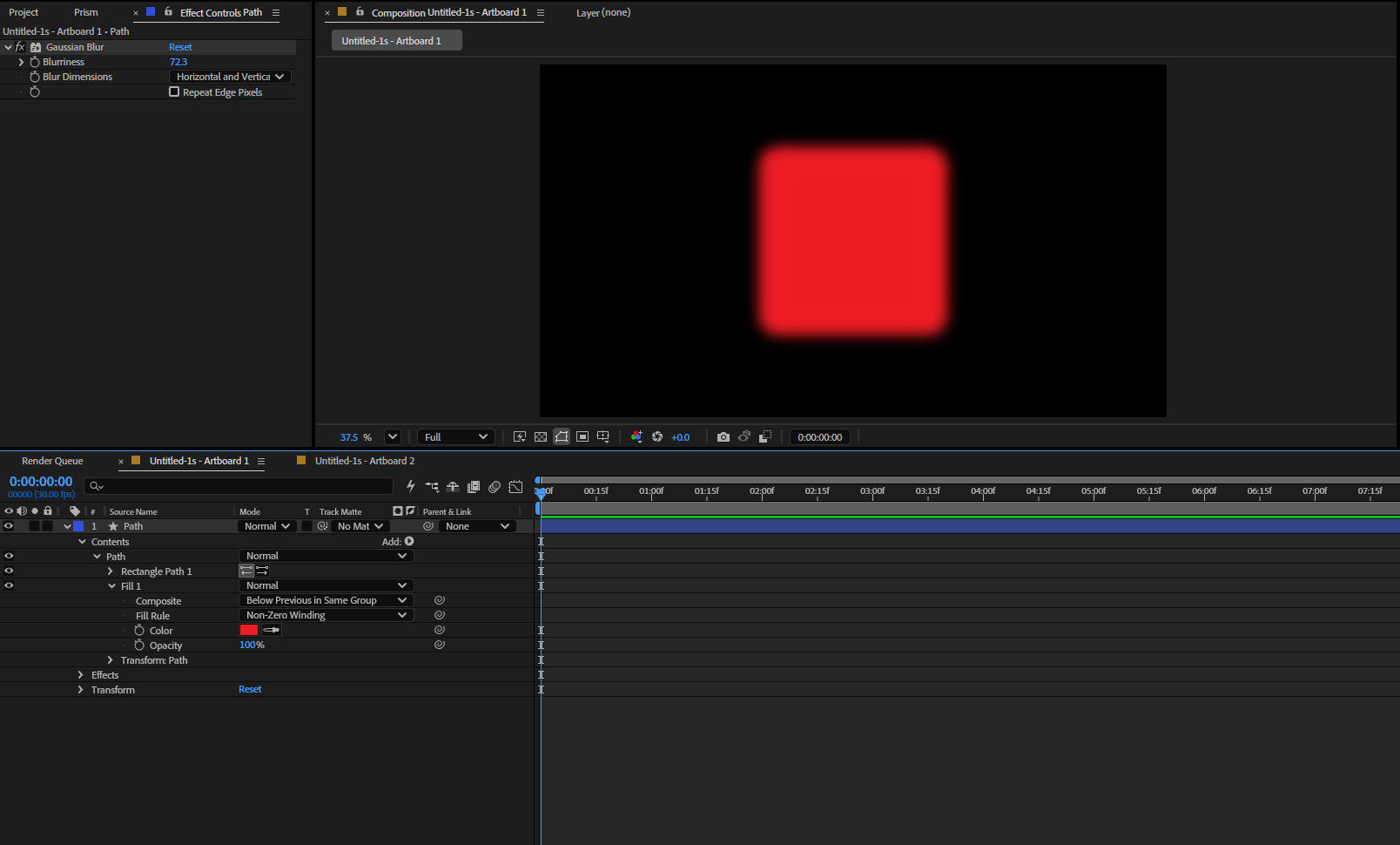
An After Effects shape layer cannot hold a pattern, which is why other tools flatten the whole object to a picture. Prism sends the pattern as its own image and uses the real shape as the matte over it, with the stroke as its own layer on top. Move it, scale it, reshape it, and the pattern follows.
Every artboard as its own composition
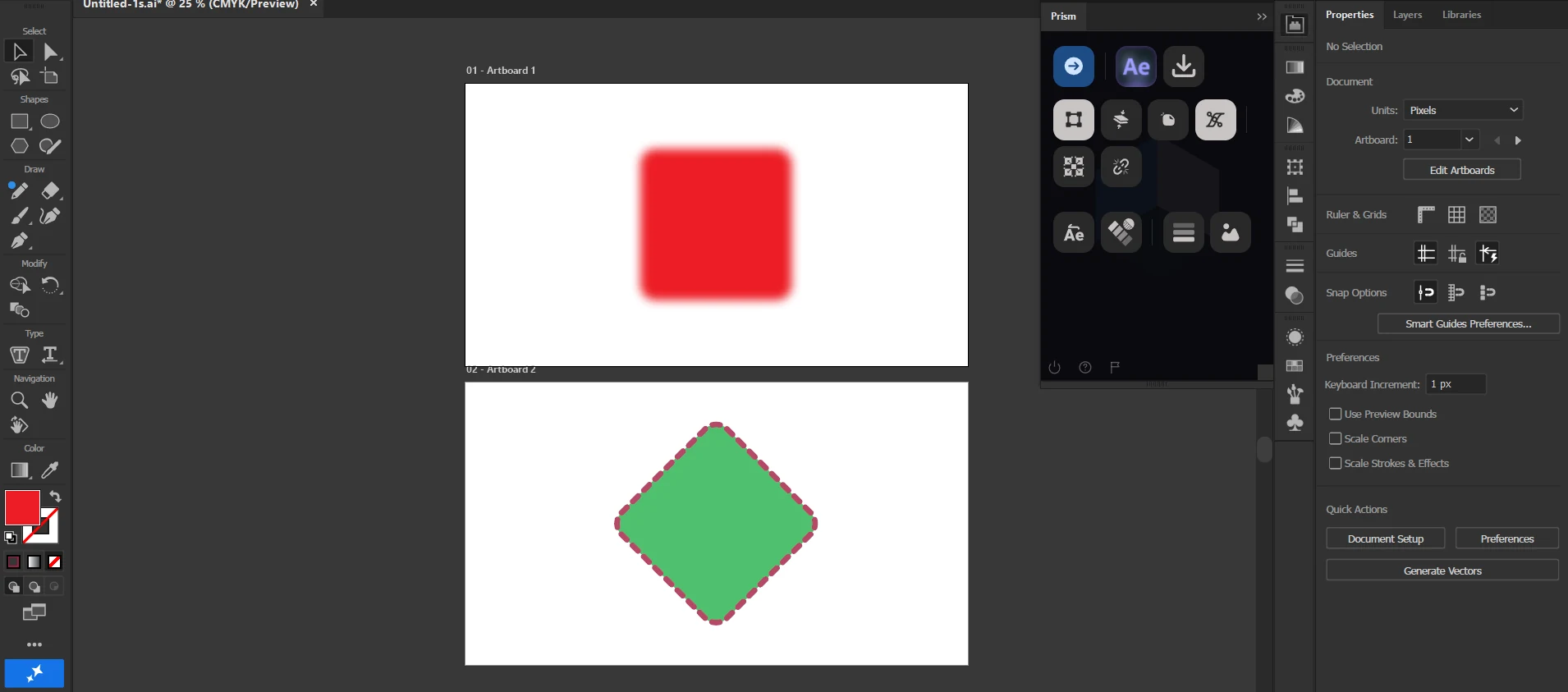
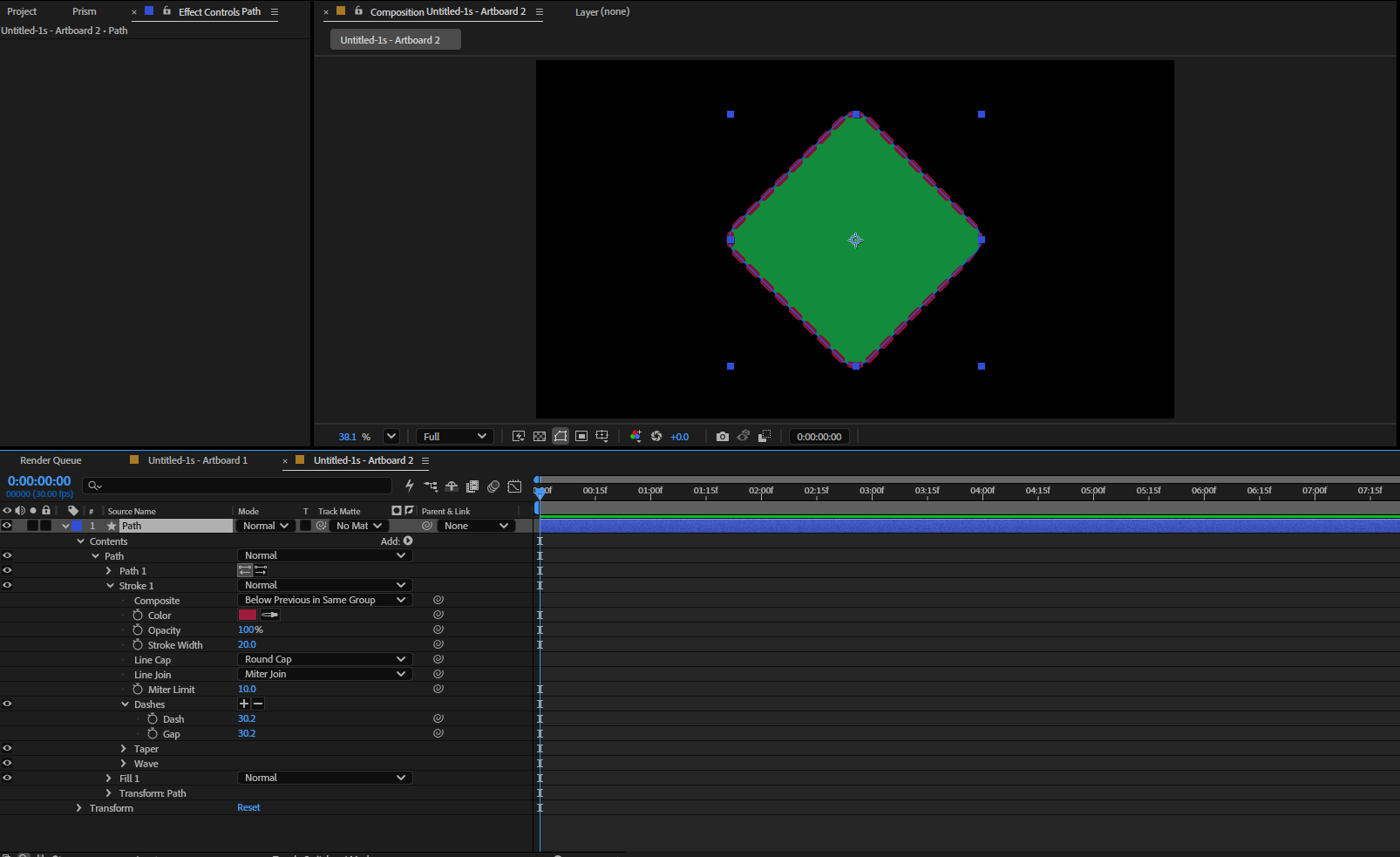
A document with several artboards, sent in one press.
Each artboard becomes its own composition at its own size, named after the artboard, with its artwork assigned by where it actually sits rather than by which layer it is on. Empty artboards are skipped. This is the case Overlord is known to misplace.
A whole icon as one animatable layer
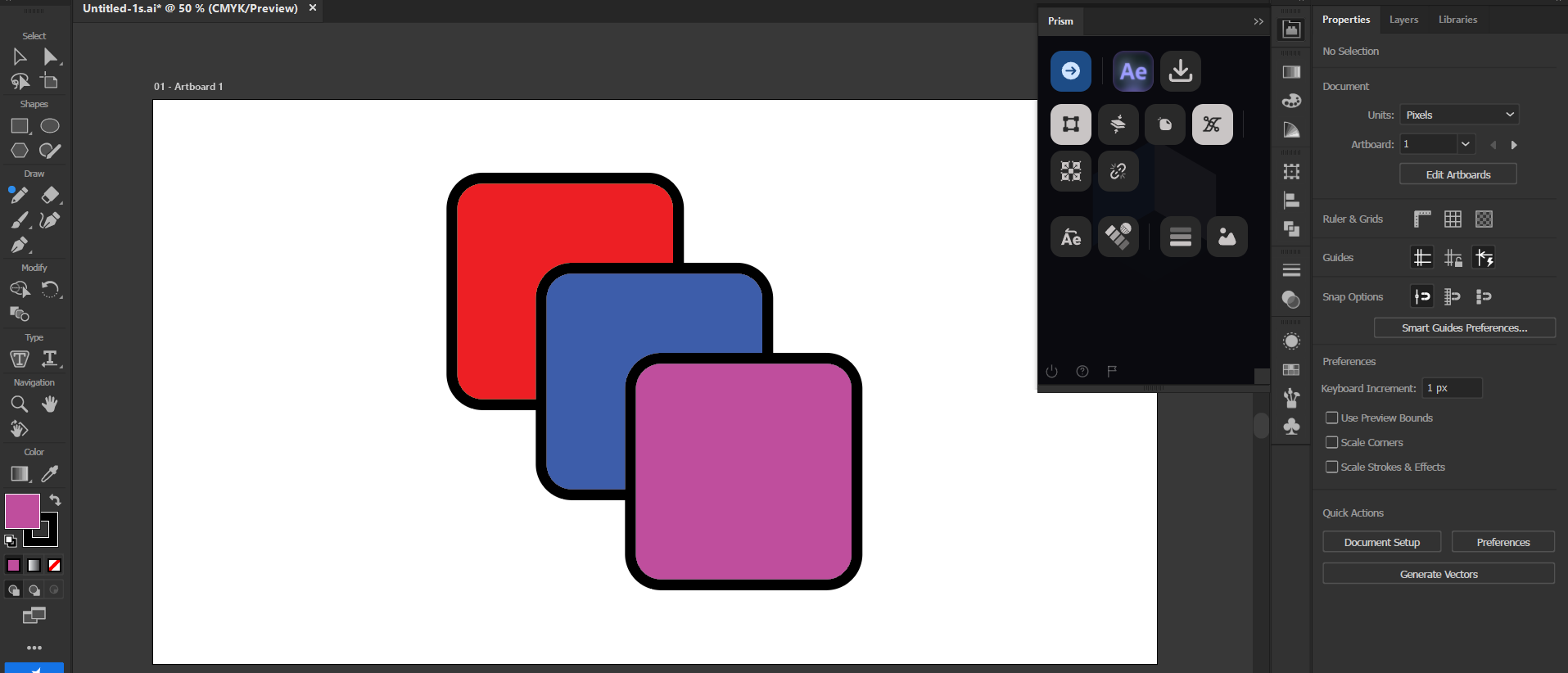
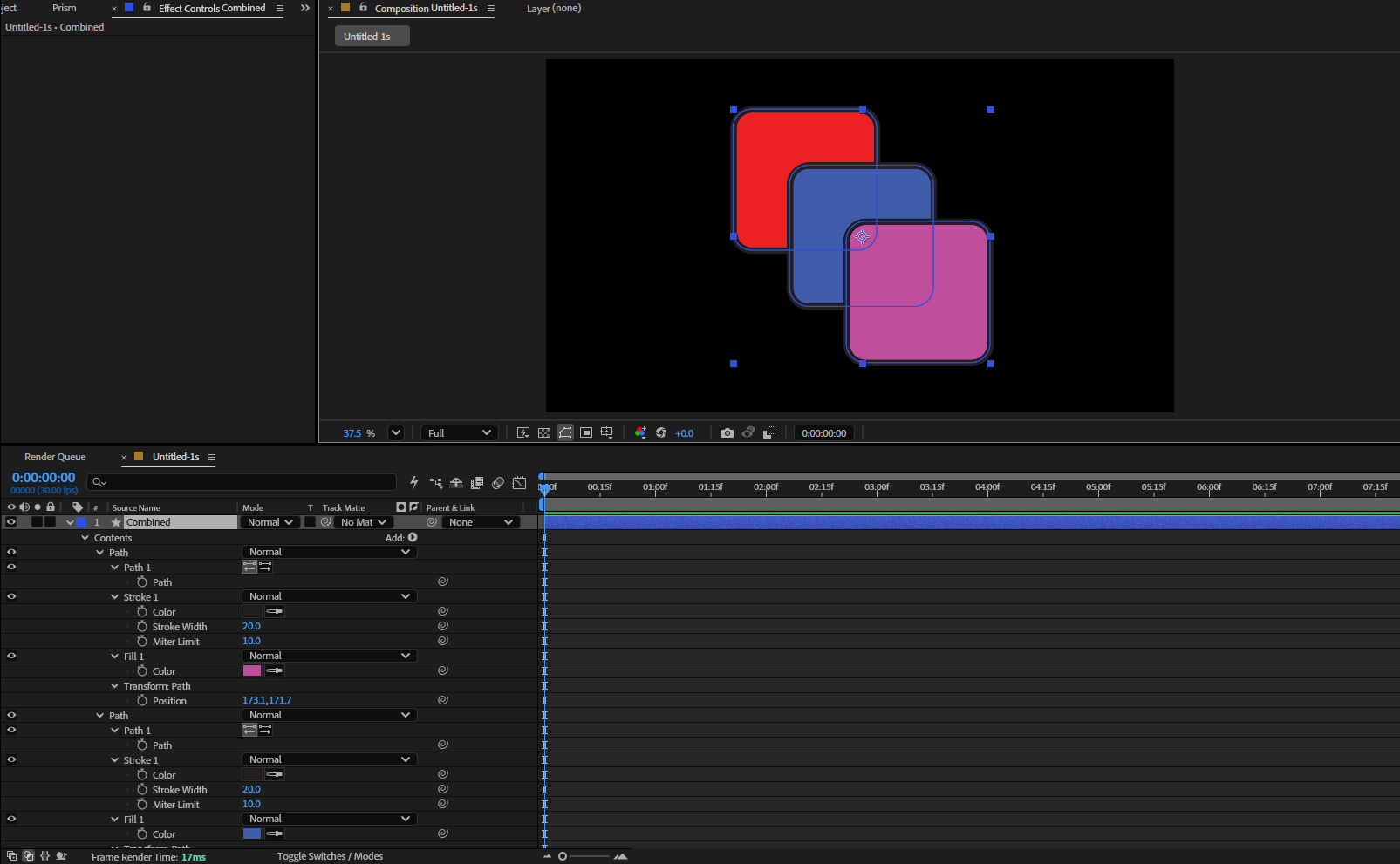
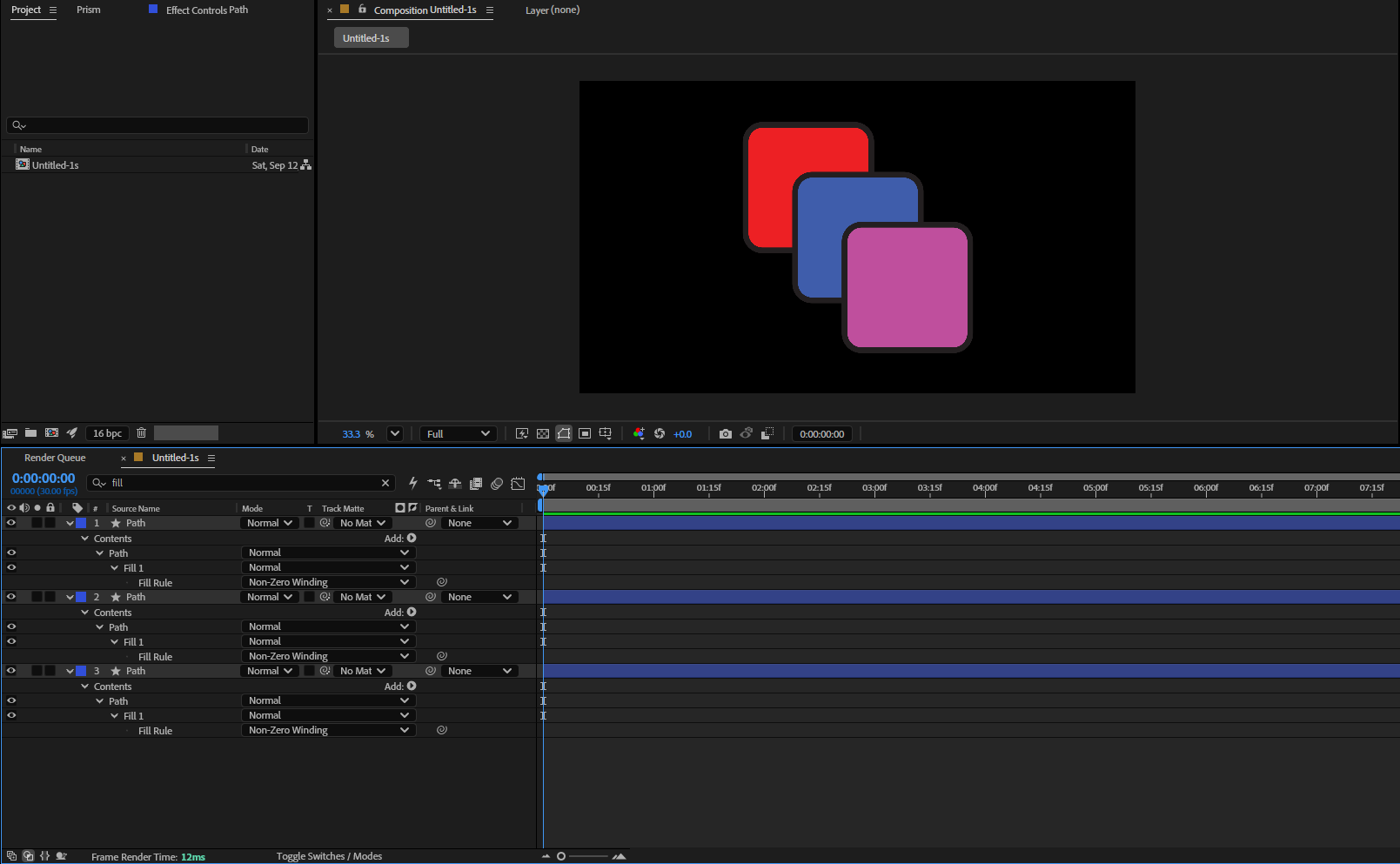
An icon built from a dozen separate shapes.
It usually arrives as a dozen layers, and animating it means parenting them all first. Turn Combine on and the same icon arrives as one shape layer holding every shape, each keeping its own fills and strokes. Turn it off and you get a layer per shape, which is sometimes exactly what you want.
The colour you approved is the colour that arrives
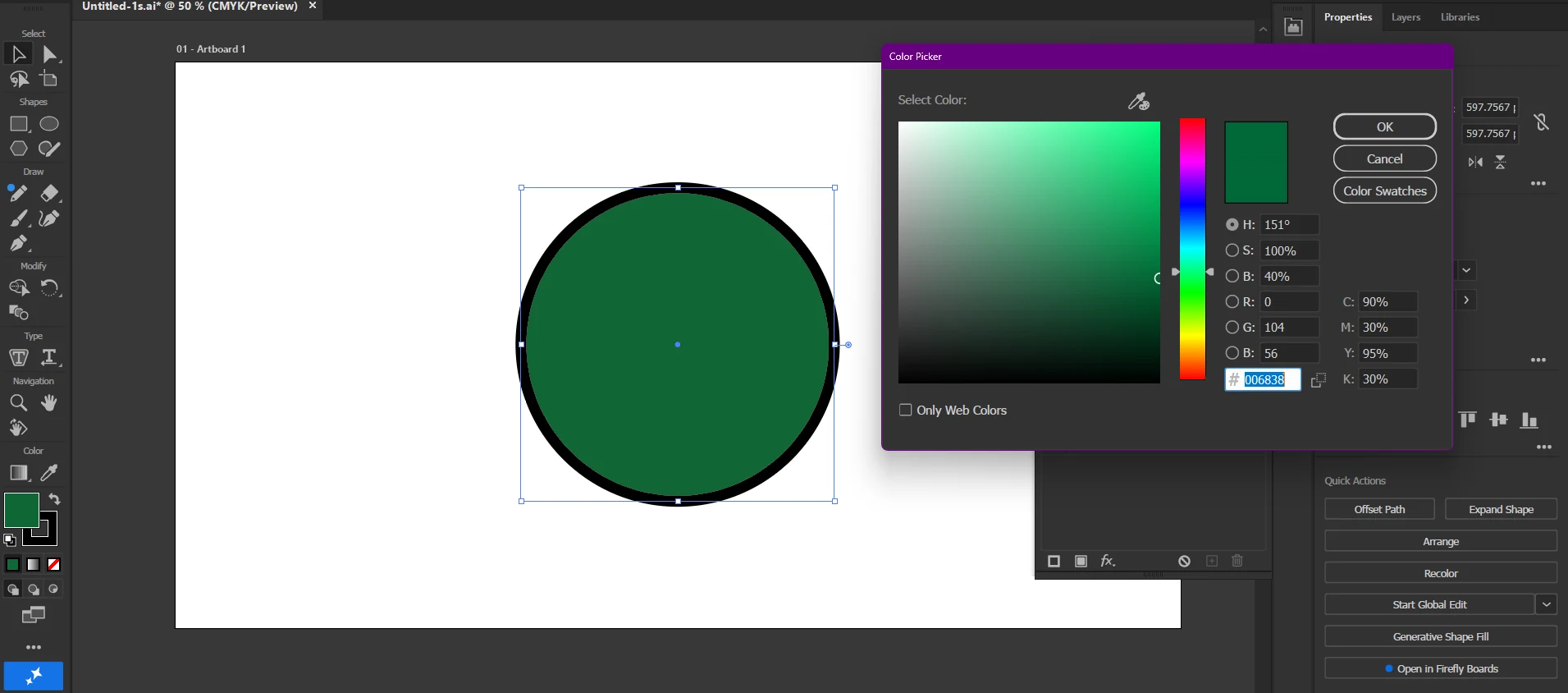
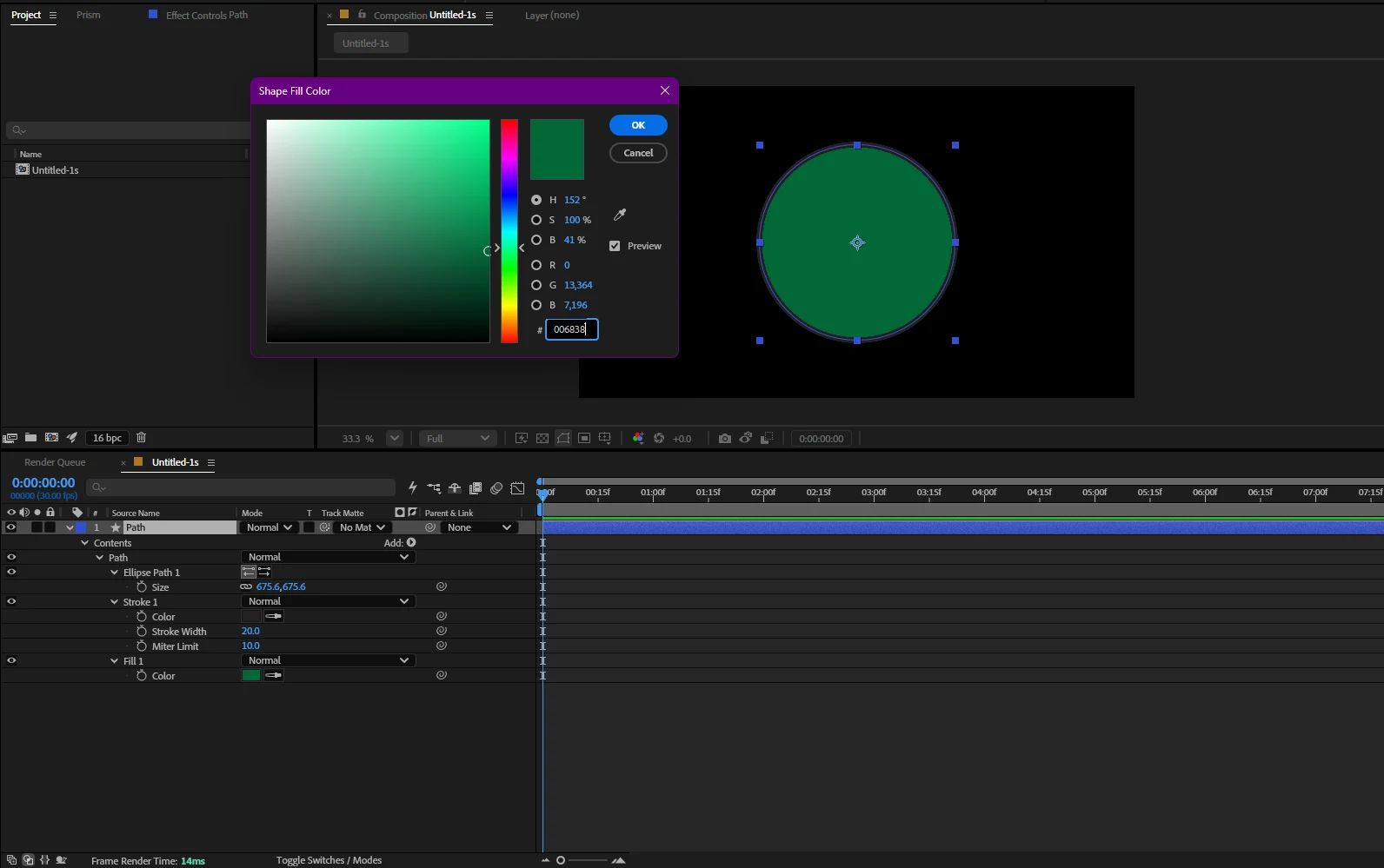
A CMYK document, which is most print-facing Illustrator work.
A CMYK document is drawn through its colour profile, and the textbook conversion is not what Illustrator puts on screen. Prism does not compute the colour at all; it asks Illustrator to convert it with the document's own settings. The same swatch, read on both sides, comes out one step apart in 255.
Letter spacing survives the trip
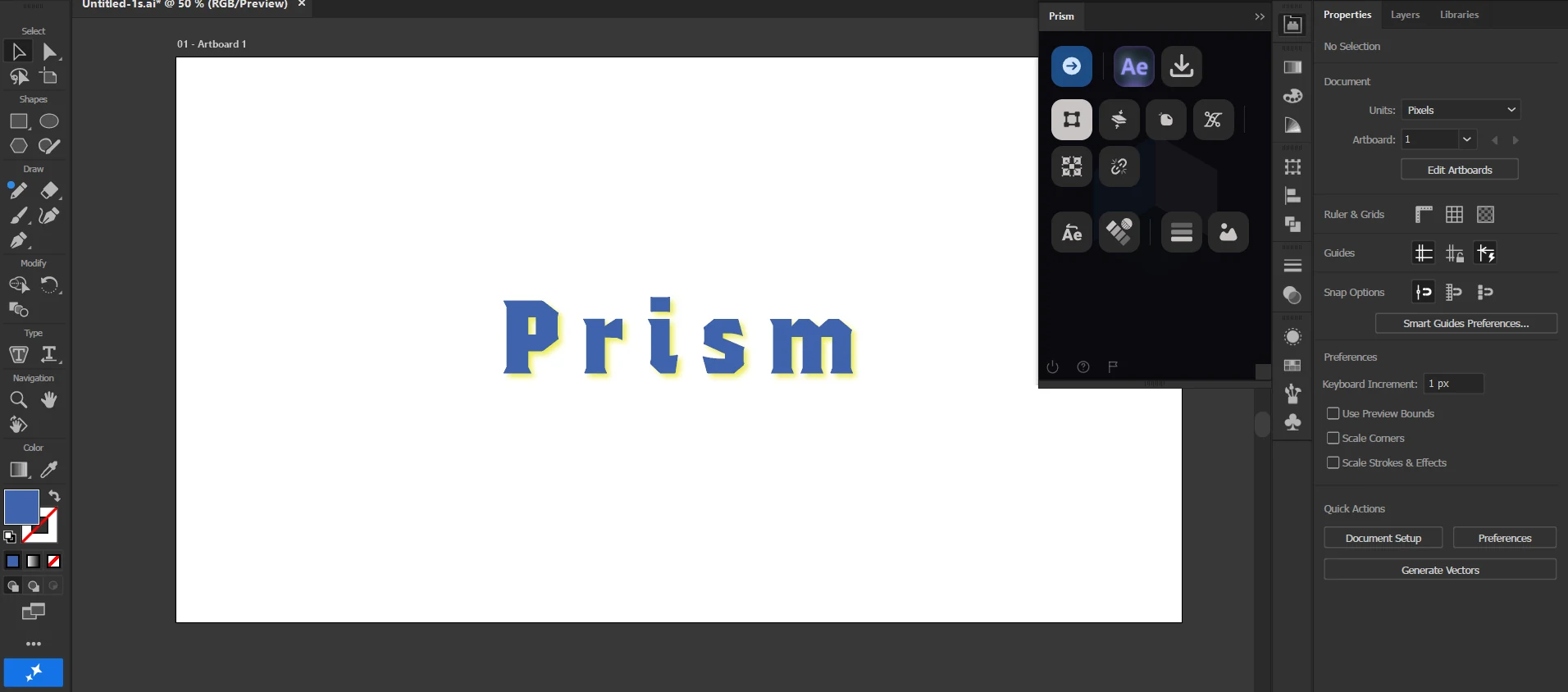
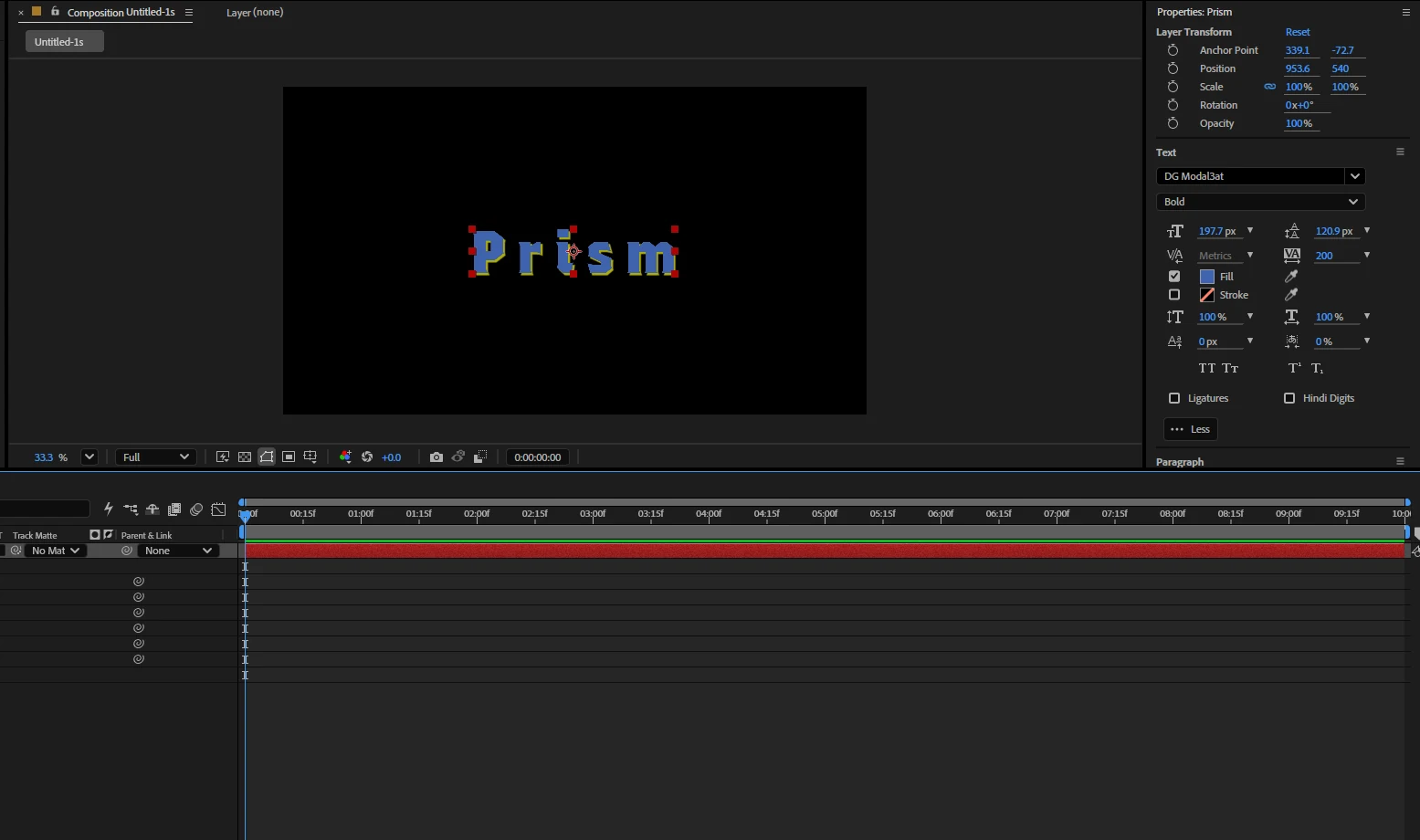
Text with tracking set, including a single spaced word inside a plain line.
Each run of text travels with its own font, size, colour and tracking, so a word spaced out inside an otherwise plain line arrives spaced out rather than swallowed into the run around it.
What does not transfer
Four things, named plainly. A page of nothing but yes is not worth reading, and each of these would be found in the first ten minutes anyway.
Freeform gradients and gradient meshes
After Effects has no equivalent, so they arrive as a picture. No tool can do better, and any that claims otherwise is rasterising quietly.
A switched-off Appearance row
Illustrator does not report hidden rows to scripting at all, so a fill you are keeping for later does not travel. What is visible is what arrives.
A blur on top of stacked fills
A blur makes Illustrator flatten the shape into one image, so its separate paints stop being readable. Add the blur in After Effects instead and you keep both.
Sending back from After Effects
Prism carries designs into After Effects, not out of it yet. Overlord does this today and Prism does not.
Questions
Does Prism modify my Illustrator file?
How is this different from Overlord?
Does it work with CMYK documents?
Do I need a separate licence for Illustrator?
Send your first file in about a minute
Install the panel, select your artwork, press Push. Everything on this page came out of that one button.