The Tools Nobody Talks About Honestly
Most motion designers talk about their tools the way people talk about their gym memberships — with way more enthusiasm than the actual results deserve. You see a tweet saying "just Figma and AE, that's all you need" and you think, okay, let me try that. Then you spend three hours manually recreating a component in After Effects that was already pixel-perfect in Figma, and you want to throw your laptop out the window.
I've been there. More times than I'd like to admit. And when you're working specifically in the SaaS or B2B space — where the design systems are complex, the brand guidelines are strict, and the client wants twelve revision rounds before approving a 30-second explainer — your workflow isn't just a preference. It's survival.
So let me tell you what actually works, from someone who has shipped motion work for SaaS products, enterprise dashboards, and B2B platforms for the better part of a decade.
Why SaaS and B2B Motion Is a Different Beast
SaaS and B2B clients are not like consumer brands. They don't want "vibes." They want clarity. They want you to explain a feature that took their dev team six months to build — in under 60 seconds — to someone who is half-distracted on a Zoom call. That's the actual brief, even when it's not written that way.
This means your motion work needs to be precise. The UI elements need to look real — not "inspired by" the product, not a rough approximation. The animations need to feel native to the interface, not like a flashy showreel piece you slapped a logo on.
The number one reason SaaS explainer videos fail isn't the animation quality. It's that the motion doesn't match how the product actually looks and behaves.
That gap — between the real product UI and what ends up in the animation — is where most motion designers lose the client's trust. And it usually comes down to workflow. Specifically, how you get design assets from Figma into After Effects without losing your mind or your proportions.
Where Prism Changes Everything
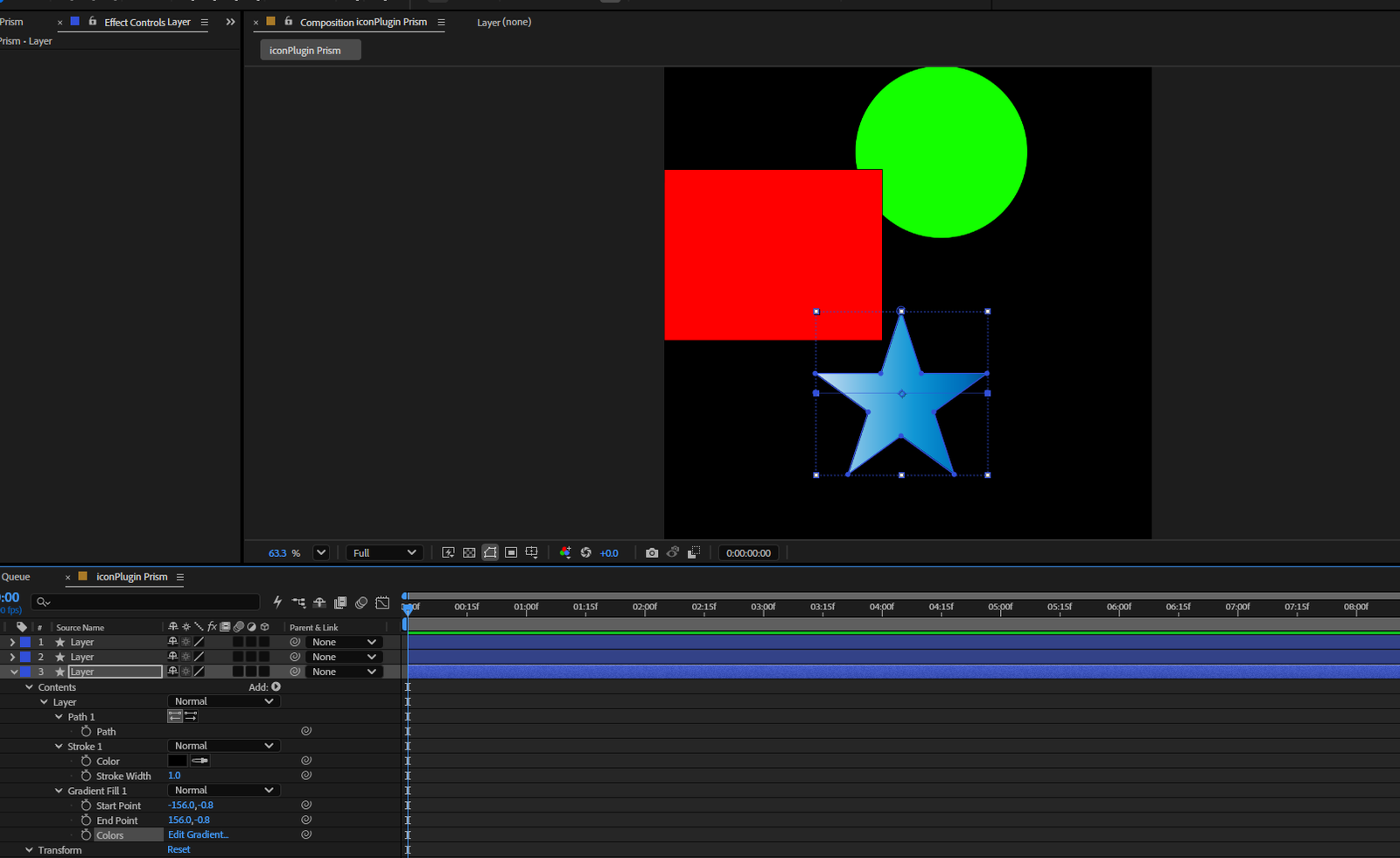
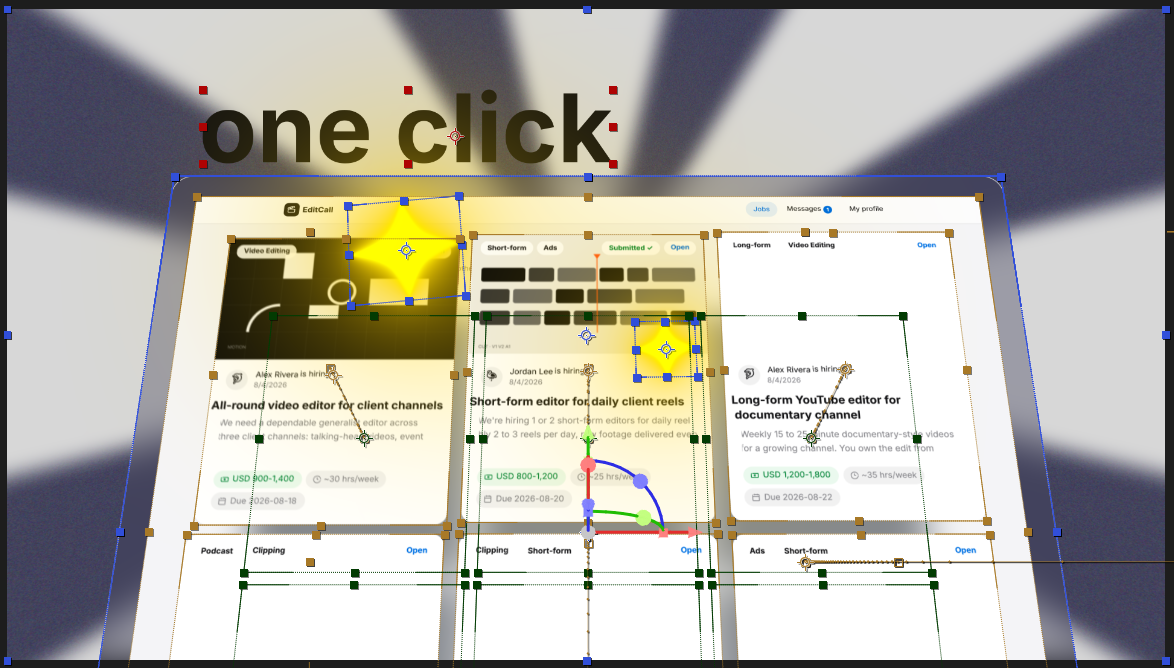
This is the part I genuinely wish someone had told me earlier. Prism is a plugin that bridges Figma and After Effects in a way that actually respects your design system. Not a rough export. Not a flattened PNG that you then have to rebuild layer by layer. It brings your Figma components into After Effects with structure intact — ready to animate.
For SaaS work specifically, this is massive. When a client hands you a 40-screen Figma file with a proper design system — tokens, auto-layout, components, the whole thing — Prism lets you pull those elements directly into AE without rebuilding them from scratch. That alone saves hours per project.
I started using Prism on a project for a B2B analytics platform, and the difference was immediate. The client kept saying "that looks exactly like our product" — which, if you've worked in this space, you know is one of the best things a SaaS client can say. They're not complimenting your creativity. They're telling you that you didn't break their brand.
Prism also matters when you're working fast. B2B timelines are brutal. Marketing teams want assets yesterday, and they don't care that you need to rebuild a data table animation from scratch because the export came in wrong. With Prism handling the Figma-to-AE handoff, you're not wasting that time.
Getting Started With Prism
If you haven't installed it yet or want to see how it actually works inside After Effects, this walkthrough is worth your time:
Figma and After Effects: The Foundation
Let's be real — Figma and After Effects are the two non-negotiables. If you're doing motion work for any digital product, these two tools are the core. Figma is where the product lives. After Effects is where it moves. There's no version of SaaS motion design where you avoid both.
But what most tutorials skip is how to use them together without friction. That's the actual skill. Not knowing keyboard shortcuts in AE. Not being able to build a component in Figma. It's managing the handoff between them cleanly, consistently, and fast enough to hit deadlines.
- Figma — for sourcing accurate UI, building the visual foundation, and keeping things aligned with the client's actual product
- After Effects — for the animation itself, timing, motion curves, and final output
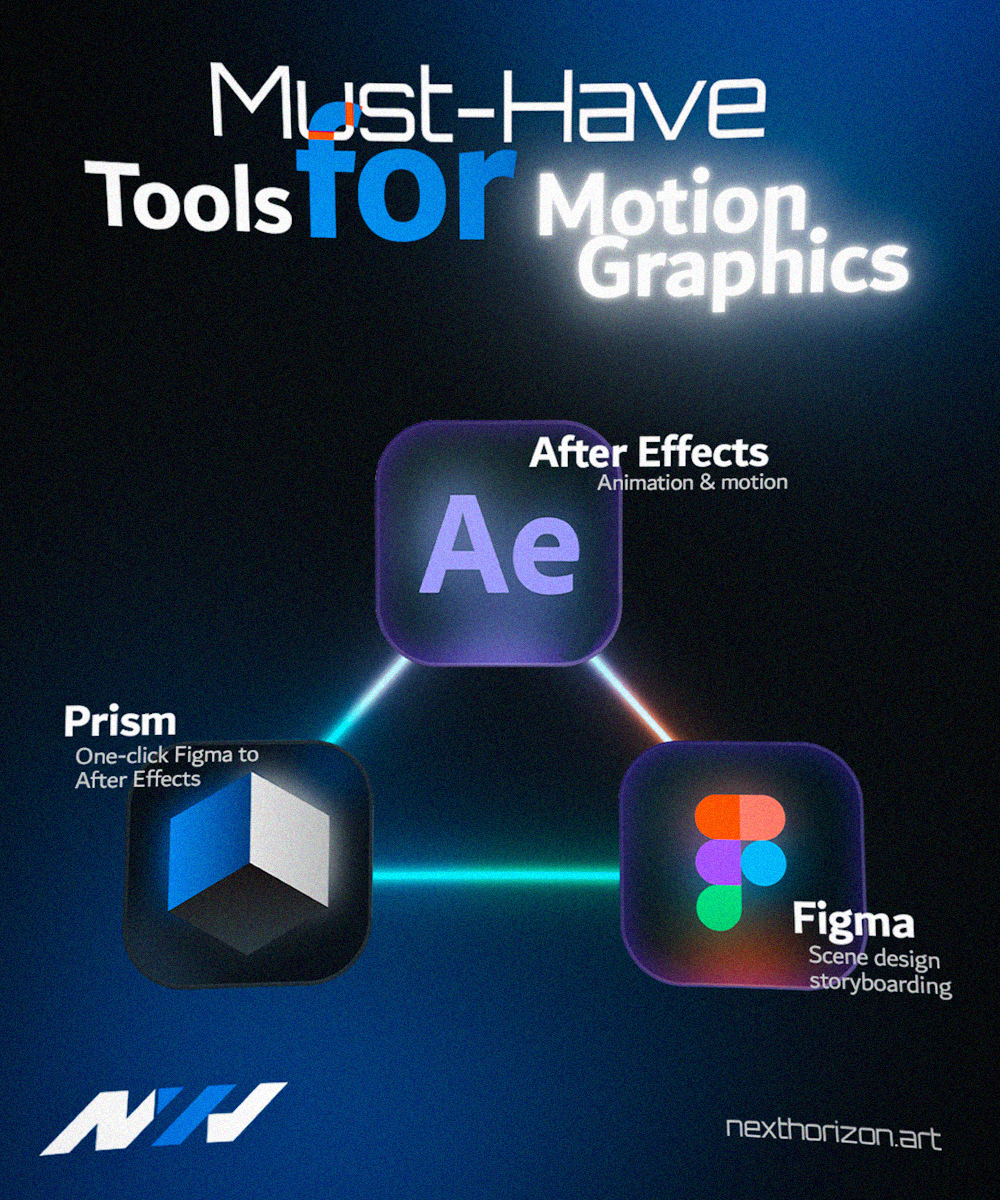
- Prism — for connecting the two without the painful manual work in between
That's the stack. Three tools, clear roles, no bloat. You don't need fifteen plugins and a subscription to every AI tool that launched last month. You need this to work, reliably, on every project.
What I Tell Clients When They Ask About Our Process
When a SaaS or B2B client asks how we make their product look so accurate in the animation, I don't go into a long technical explanation. I just say: we work directly from your design files, and we use tools that respect your system.
That's the honest answer. And tools like Prism make it true. You can see some of the work that's come out of this workflow over at our portfolio — a lot of it is SaaS and product-focused, exactly the kind of thing we're talking about here.
The point isn't to be the most technically impressive studio. The point is to make something that actually serves the product, lands with the audience, and makes the client look good. The tools are just how you get there without burning out along the way.
If you're working in SaaS or B2B motion and want to talk about what a proper motion workflow could look like for your team or project, we're happy to have that conversation at Next Horizon — get a quote here.