What exactly is the Prism 2.0.0 update and why should I care?
Prism 2.0.0 is the largest update to Prism since it launched. It expands the tool from a single Figma-to-After-Effects bridge into a hub that connects four core design applications: Photoshop, Figma, Illustrator, and After Effects. Layers, effects, and properties transfer between them without the usual quality loss or manual rebuild.
I know the feeling of spending 45 minutes manually recreating a Figma layout inside After Effects because nothing exported cleanly. You resize, you re-link assets, you retype fonts. By the time the comp is ready, half your energy is gone before a single keyframe is set. That is the specific problem this Prism 2.0.0 update article is about fixing.
Before this update, Prism handled one direction: Figma to After Effects. Useful, but limited. Version 2.0.0 opens up eight transfer paths across those four apps, plus a ninth path from Figma to DaVinci Resolve is already on the roadmap. If you work across multiple Adobe tools, or if your client hands off assets in Photoshop while your animator lives in After Effects, this update changes how your whole pipeline feels day to day.
The goal was never just to move files. It was to move design intent, keeping layers named, effects intact, and properties readable on the other side.
Which app-to-app transfer paths does Prism 2.0.0 actually support?
Prism 2.0.0 supports transfers between Photoshop, Figma, Illustrator, and After Effects in multiple directions. You can go from Photoshop to After Effects, Figma to After Effects, Figma to Illustrator, Illustrator to Figma, Photoshop to Figma, Illustrator to Photoshop, and more. DaVinci Resolve support from Figma.
Here is the full list of currently supported paths:
- Photoshop to After Effects
- Figma to After Effects
- After Effects to Illustrator
- Figma to Photoshop
- Illustrator to Photoshop
- Photoshop to Illustrator
- Illustrator to Figma
- Figma to Illustrator
- DaVinci Resolve from Figma
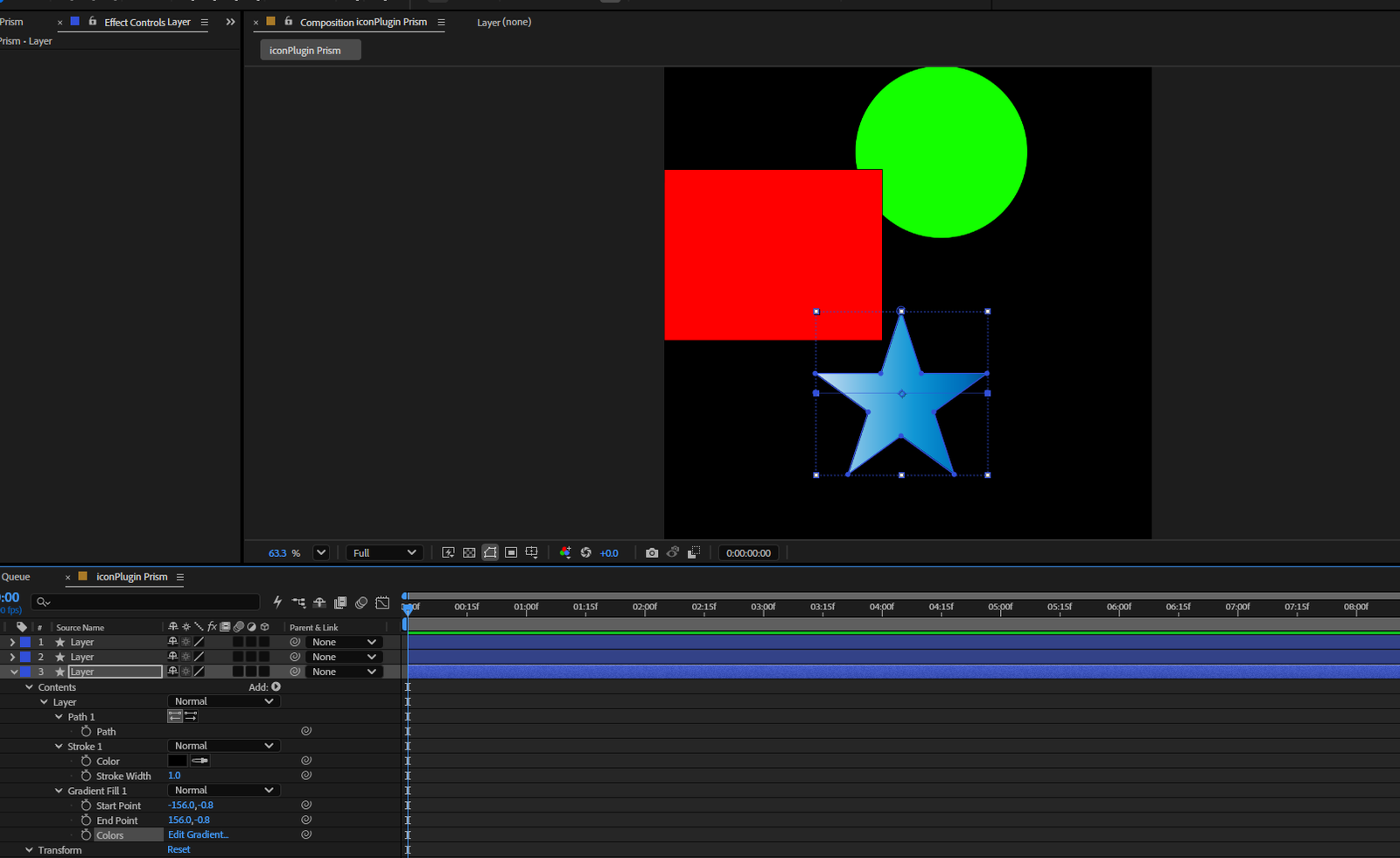
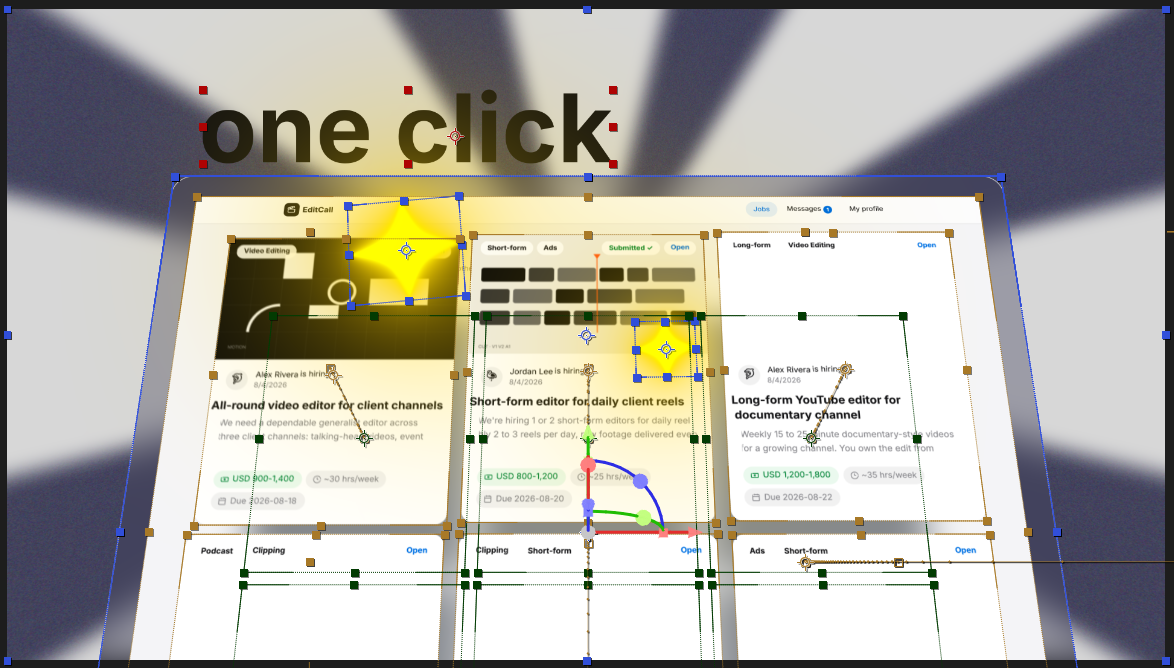
What makes this meaningful in practice is the preservation of layer structure. It is not a flatten-and-export situation. When I tested transfers between Photoshop and After Effects, group naming held up, and adjustment layers came through in a way that actually saved time on the animation side. That is the part that matters on a real deadline.
If you do motion graphics work and you want to see how this fits into a broader production setup, take a look at what we do over at our motion graphics page. The workflow Prism enables is very close to what we use internally.
What is the new Launcher in Prism 2.0.0 and do I actually need it?
The Launcher is a new standalone interface included in Prism 2.0.0. It checks for updates automatically, shows your connected app licenses, and lets you manage your Prism installation from one place. It removes the need to manually download updates from the store every time a new version ships.
Honestly, launchers are one of those features that sound small until you do not have one. I have lost more time than I want to admit manually hunting for plugin updates across different store pages. The Launcher in this Prism 2.0.0 update solves that quietly in the background. It checks for updates, shows license status, and handles everything from one interface. One less thing to think about.
It also makes the whole thing feel more like a proper product and less like a plugin you have to babysit. For studios running multiple machines or managing team licenses, that kind of centralized control is genuinely useful, not just a nice-to-have.
Is Prism 2.0.0 worth it if I only use Figma and After Effects?
Yes, it is still worth it even if your workflow is only Figma and After Effects. The core transfer quality has improved, and the new Launcher alone reduces maintenance overhead. If your pipeline ever expands to include Photoshop or Illustrator, you are already covered. Prism starts at $69, which is a reasonable investment given the time it saves per project.
That said, if you are a solo designer running a tight, two-app workflow and you are already happy with how your Figma-to-AE transfers work, the upgrade is more of a long-term investment than an immediate necessity. The benefit grows the more apps you move between.
Where the value really shows is in team environments. When a UI designer hands off in Figma and an animator picks it up in After Effects, and then revisions come back as a Photoshop file, those three handoffs used to mean three rounds of manual cleanup. With this Prism 2.0.0 update, that chain tightens up considerably.
How does Prism 2.0.0 fit into a professional motion design workflow?
Prism 2.0.0 fits into a professional motion design workflow as a transfer layer between design and animation tools. It handles the bridge so your team can stay focused on creative work instead of rebuilding assets. It works best in pipelines where multiple Adobe apps are already in use and file handoffs happen regularly between designers and animators.
From a creative direction standpoint, the bigger win here is reducing the friction that kills momentum. Every time a designer finishes a comp in Figma and an animator has to rebuild it from scratch, you lose time and you lose fidelity. The animation ends up slightly different from the design, the client notices, and suddenly you are in revision rounds that should never have happened.
Prism sitting in the middle of that process is not glamorous. It is infrastructure. But good infrastructure is what lets the creative work actually land the way you intended it.
If you are curious about what a fully built-out project looks like when the tools are working together properly, our portfolio has plenty of examples where clean asset handoffs made the final result sharper.
At Next Horizon, we have been using Prism as part of our production toolkit, and the 2.0.0 update is a meaningful step forward. If you are thinking about how to structure your own workflow around it, feel free to reach out.
Frequently Asked Questions
What is new in the Prism 2.0.0 update?
Prism 2.0.0 expands from a single Figma-to-After-Effects transfer tool into a full bridge connecting Photoshop, Figma, Illustrator, and After Effects. It adds eight supported transfer paths, a new Launcher for managing updates and licenses, and has DaVinci Resolve support .
How much does Prism cost after the 2.0.0 update?
Prism starts at $69. The 2.0.0 update significantly expands what the tool does, adding multi-app support across Photoshop, Figma, Illustrator, and After Effects, plus a new Launcher interface. Check the Next Horizon store for current pricing and plan details.
Does Prism 2.0.0 support DaVinci Resolve?
DaVinci Resolve support is on the roadmap for Prism but is listed as of the 2.0.0 release. The currently confirmed path is from Figma to DaVinci Resolve. The four fully supported apps right now are Photoshop, Figma, Illustrator, and After Effects.
What is the Prism Launcher and how does it work?
The Prism Launcher is a new standalone interface introduced in version 2.0.0. It automatically checks for updates, displays connected app license status, and lets you manage your Prism installation from one place. It removes the need to manually download updates from the store each time.
Is Prism 2.0.0 worth upgrading to if I only use Figma and After Effects?
Yes, it is worth it. Transfer quality has improved and the new Launcher reduces maintenance time. If your workflow ever grows to include Photoshop or Illustrator, you are already set up. The value increases significantly in team environments where assets move between multiple apps regularly.