Nobody Talks About the Workflow Until It Breaks
You're three hours into a project. The client needs revisions. Your Illustrator file is a mess of nested groups, and the vector you just pasted into After Effects looks like it was put through a blender. You've been here before. We all have.
The conversation around SVG Pasting vs Prism keeps coming up in motion design circles — and honestly, for good reason. These two approaches solve the same core problem differently, and depending on your pipeline, one of them will feel like a lifesaver while the other makes you want to close your laptop and go outside. So let's actually talk about it like people who work in this industry, not like a product comparison page.
What SVG Pasting Actually Is (And Why People Use It)
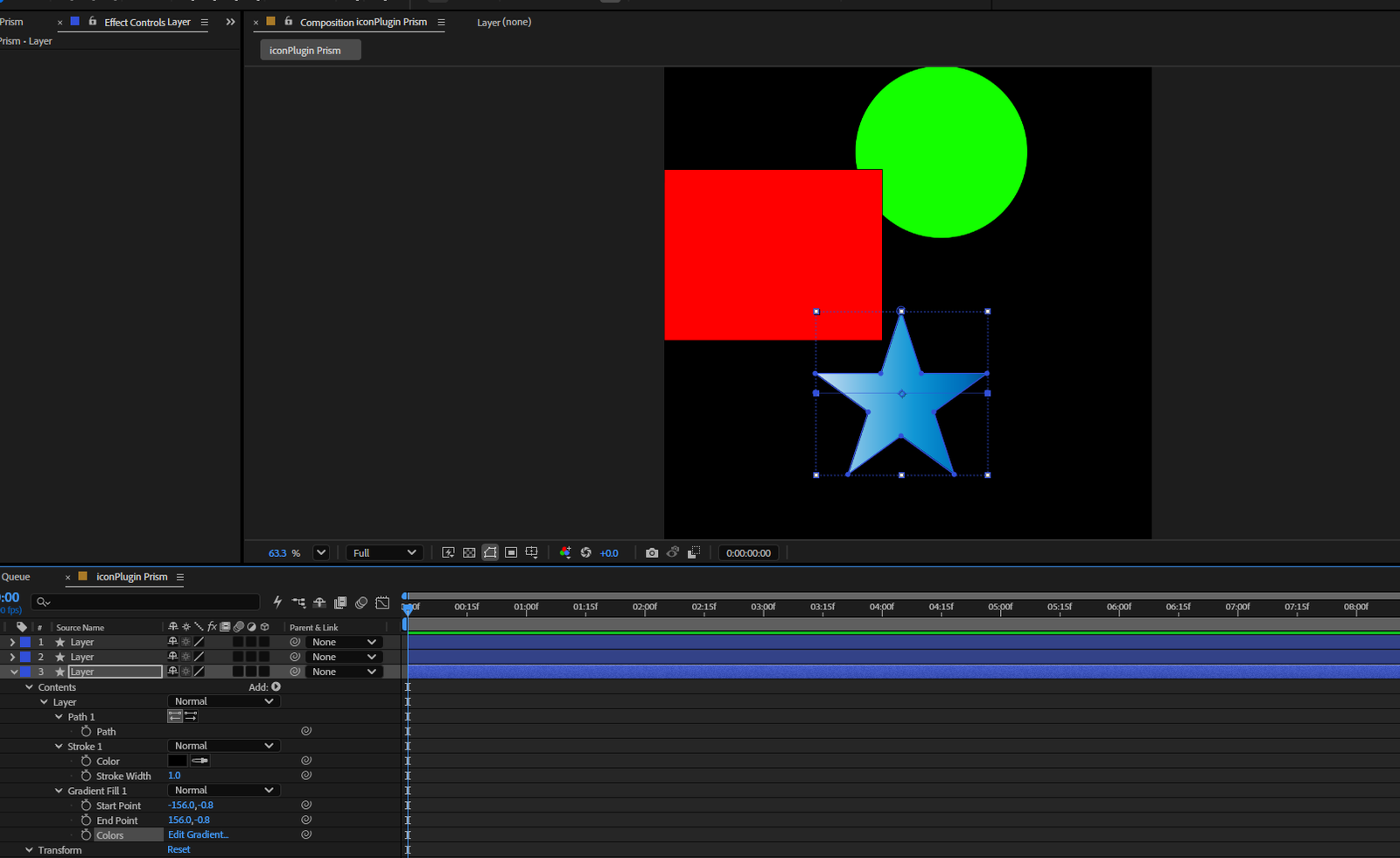
SVG pasting is exactly what it sounds like — you copy an SVG from a design tool like Figma or Illustrator, paste it directly into After Effects, and the plugin (or native support in newer AE versions) converts it into shape layers. No exporting, no importing, no file management. Just paste and go.
Adobe recently rolled out a native feature that does something similar — and if you haven't seen it yet, it's worth a look:
The appeal is obvious. Speed. Fewer steps. Less chance of the file being in the wrong place when you hand off a project. For simple logos or icon animations, it's genuinely useful.
Where SVG Pasting Falls Short
But here's the thing — SVG pasting has a ceiling. The moment your artwork gets complex, things start breaking. Gradient fills get flattened. Text doesn't always convert cleanly. Layer naming becomes a disaster, and if you've ever tried to rig a character or animate something with a lot of moving parts, you know that a clean layer structure isn't optional — it's survival.
- Complex paths sometimes lose their fill logic after pasting
- Gradient support is inconsistent depending on AE version
- No control over how layers are grouped or named on import
- If the original file changes, you're re-pasting from scratch
For quick, one-off animations? SVG pasting works fine. For anything production-level? You start running into walls fast.
What Prism Does Differently
Prism takes a different approach. Instead of a copy-paste action, it's a dedicated plugin that handles the translation from vector design to After Effects with more intelligence behind it. It understands layer hierarchy, it respects naming conventions, and it gives you control over how the import is structured before you even touch the timeline.
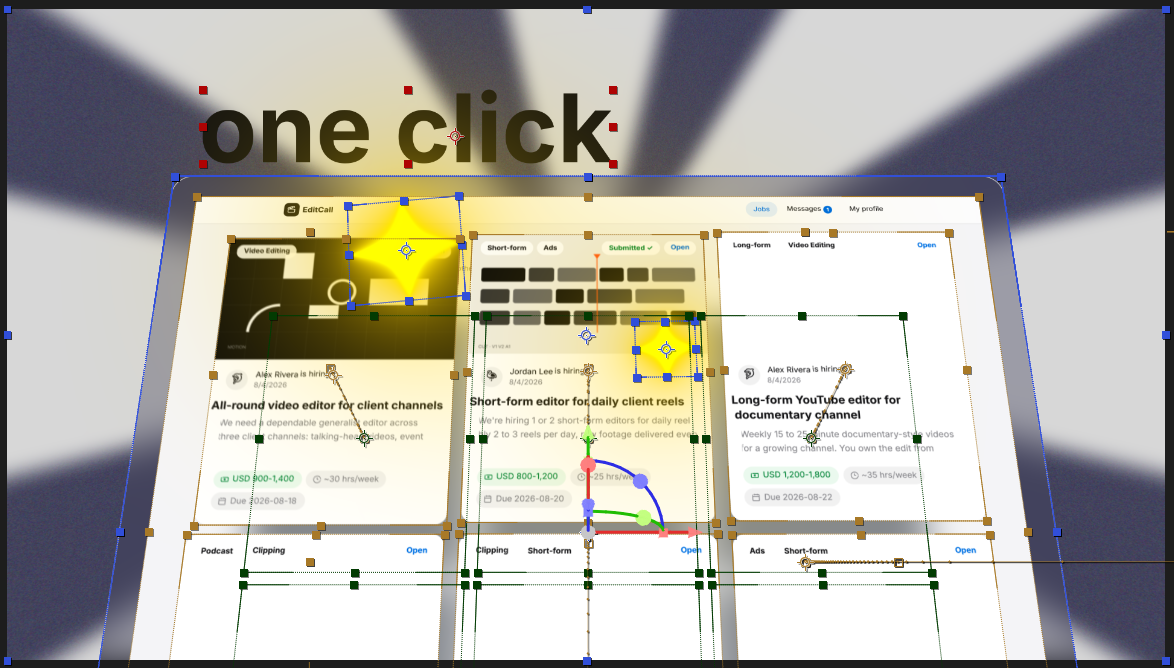
I remember the first time I used it on a SaaS explainer project — a relatively complex UI animation with multiple screens and dozens of components. The time I saved on just organizing layers was probably two hours. That's two hours I could bill for something else, or two hours I could spend actually crafting the animation instead of babysitting an import.
The tool that saves you from organizing layers is the tool that lets you actually animate.
Prism also handles updates better. When the design changes (and the design always changes), you're not starting over. You can re-sync the updated file and preserve a lot of your animation work. That's the kind of thing that sounds like a small detail until you've had to redo three hours of keyframes because a client moved a logo 20 pixels to the left.
The Real Trade-Off
Prism costs money. SVG pasting, especially with Adobe's newer native features, is free or included. That's a real difference, especially if you're freelancing or running a small studio where every tool subscription adds up.
But the honest answer in the SVG Pasting vs Prism debate isn't about price — it's about the kind of work you're doing and the volume of it. If you're doing two simple logo animations a month, SVG pasting is probably fine. If you're doing production-level motion work consistently — explainers, UI animations, brand films — the time Prism saves you will far outweigh its cost. Check out some of what that kind of production work actually looks like in our portfolio.
Which One Should You Actually Use?
Here's my honest take after years of working on both quick-turn projects and long-form productions:
- Use SVG pasting when the artwork is simple, flat, and won't need updates. Icons, simple logos, basic UI elements.
- Use Prism when you're dealing with complex designs, multiple artboards, team handoffs, or anything that requires a clean layer structure for animation.
- Use both if your workflow mixes project types — SVG pasting for small jobs, Prism for the big ones.
The SVG Pasting vs Prism question doesn't have one right answer. It has the right answer for your situation. And that's a frustrating thing to say, I know — but it's true. The designers who waste the most time are the ones who pick one tool and force it to do everything.
What I'd actually recommend is setting up a test project. Take something you've made recently, try importing it both ways, and see where things break. That's more useful than any comparison article — including this one.
If you're doing motion work at a production level and you want to talk through your workflow, or you're looking for a team that already has this figured out, our motion graphics work is a good place to see what a clean pipeline actually produces.
The Bottom Line (Without the Corporate Fluff)
Both SVG pasting and Prism exist because moving vectors into After Effects has always been painful. They each make that pain smaller in different ways. Neither is perfect. Both are useful. And the designers who understand both will always move faster than the ones who picked a side and stopped learning.
If you're building something and you want a second opinion on how to structure your motion workflow — or you just want someone to handle the production side — we're at Next Horizon, and we're happy to talk.