The Part Nobody Talks About
You spend two days getting the design perfect in Figma. Every layer named, every color exact, every component sitting exactly where it needs to be. Then you hand it off to After Effects — and it falls apart. Layers are missing. Fonts don't match. That carefully organized component structure? Gone. You're rebuilding from scratch, and the clock is ticking.
This is the quiet frustration that lives between design and motion. Nobody puts it on a project timeline. Nobody budgets for it. But every motion designer who works with Figma files knows it intimately. I've had projects where the actual animation took less time than the setup — and that's a problem.
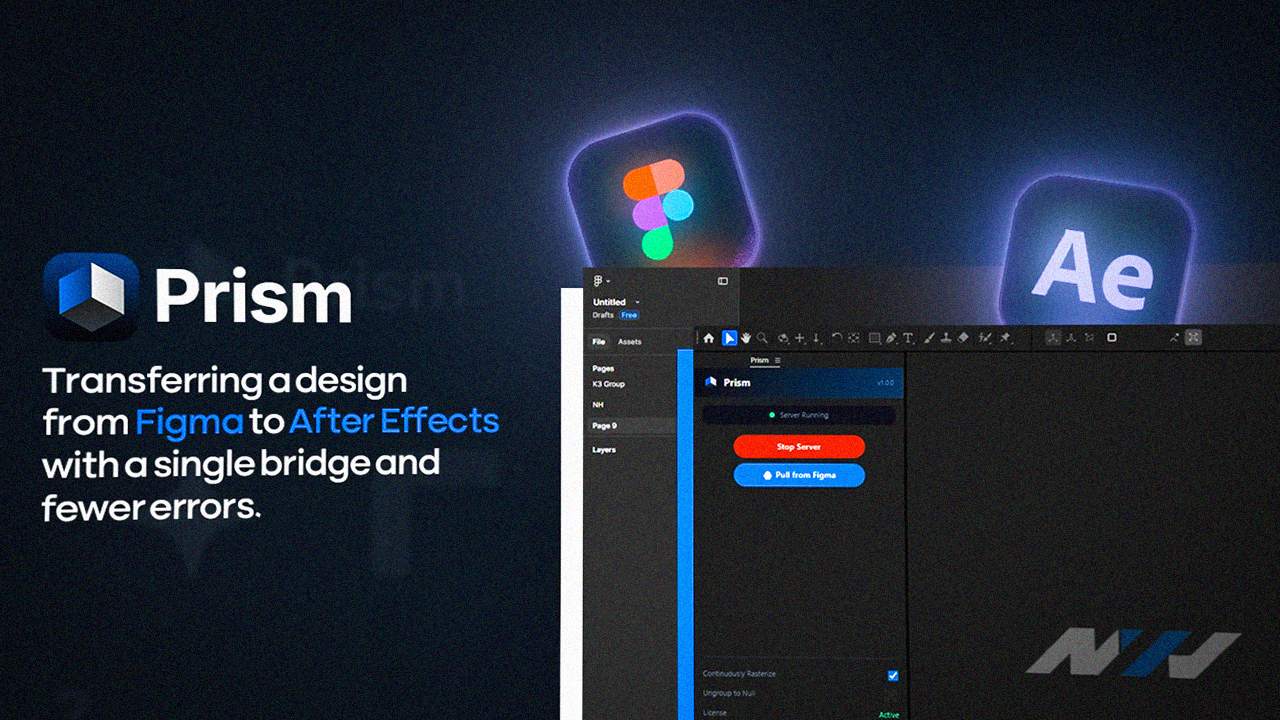
Prism transferring a design from Figma to After Effects with a single bridge and fewer errors isn't just a workflow upgrade. For a lot of studios and freelancers, it's the difference between a profitable project and a painful one.
Why the Gap Between Figma and After Effects Exists
Figma and After Effects were built for different jobs. Figma thinks in components, auto-layout, constraints. After Effects thinks in layers, compositions, keyframes. They don't naturally speak the same language — and for years, the only translator was you, doing it manually.
The old workflow looked something like this:
- Export assets from Figma one by one (or use a plugin that gets it half right)
- Import into After Effects and spend 30 minutes just organizing the timeline
- Manually recreate text styles because they never come in correctly
- Realize three screens in that the client updated the Figma file
- Start over
I know this feeling. I've sat at 11pm rebuilding a comp because a designer adjusted the spacing on a button and everything downstream shifted. It's not dramatic — it's just quietly exhausting.
The real cost isn't the time you spend rebuilding. It's the creative energy you burn before you even start animating.
That's what Prism is trying to fix. And honestly? It gets pretty close.
What Prism Actually Does
At its core, Prism is a plugin bridge that reads your Figma file and translates it into a structure After Effects can actually work with. But the key word there is translate — not just export.
Layer structure that survives the transfer
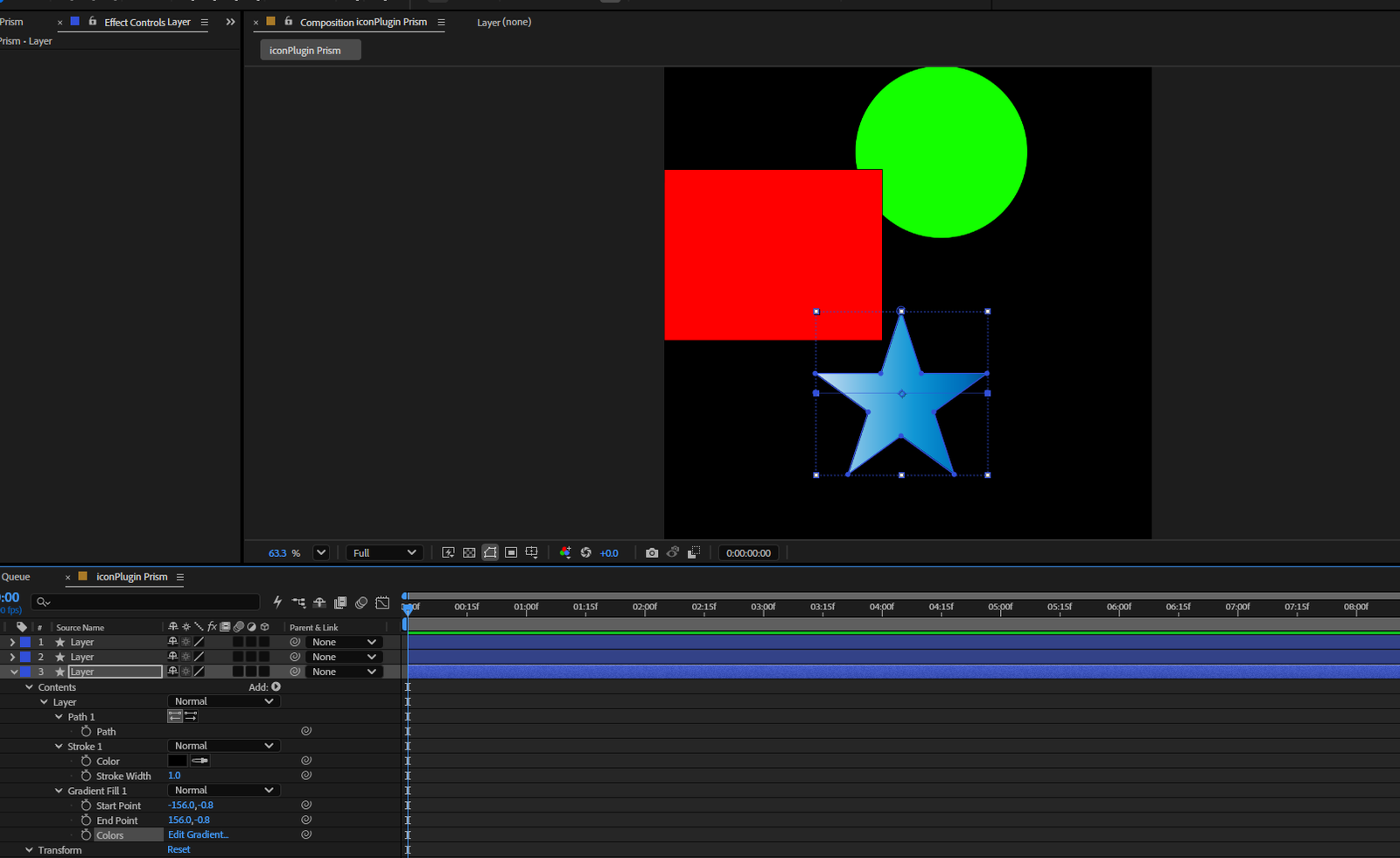
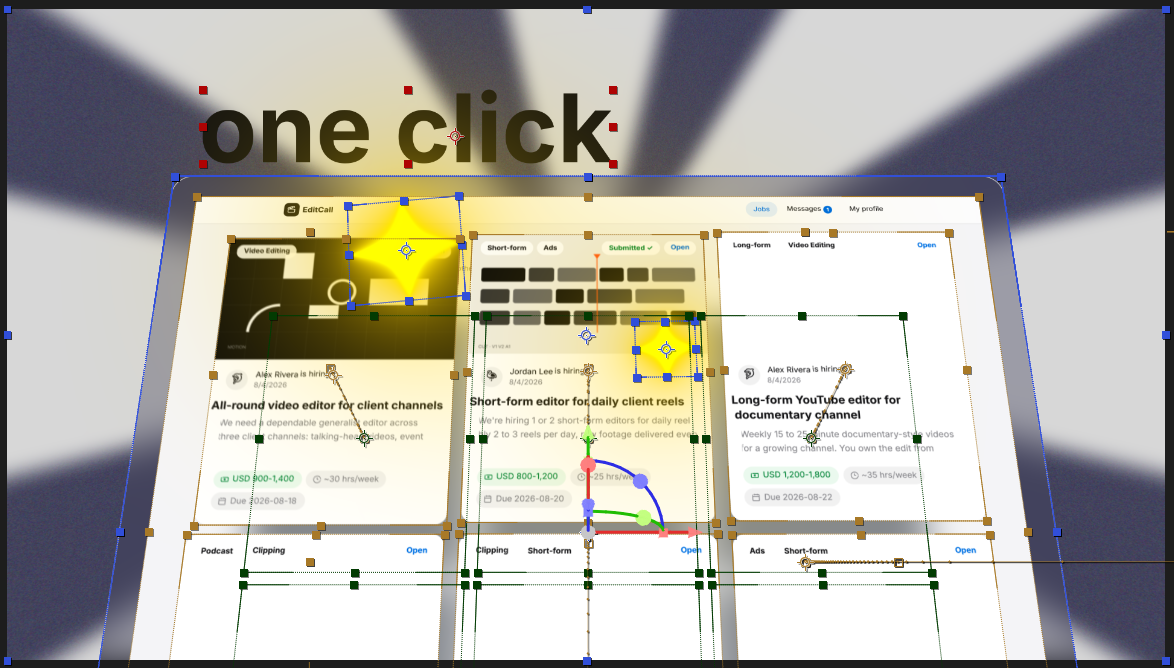
When you use Prism for transferring a design from Figma to After Effects, it preserves your layer hierarchy. Groups stay grouped. Named layers stay named. If you've been disciplined about your Figma organization (and you should be), Prism respects that work instead of flattening it into chaos.
Text and styles come through properly
This one matters more than people realize. In a normal export, text becomes an image or gets stripped of its style properties. With Prism, text layers land in After Effects as actual live text — with the right font, size, and color. You can start animating immediately instead of fixing typography for an hour first.
Syncing with updated Figma files
Here's where it really earns its place in a real production pipeline. If the Figma file changes — and it always changes — Prism can re-sync without you having to blow up your After Effects comp. Your keyframes stay intact. Your timing stays intact. The updated design just... shows up where it should.
For teams doing iterative work or client revision cycles, this alone is worth the learning curve.
Where It Still Needs Work
I'm not going to pretend Prism is perfect. Prism transferring a design from Figma to After Effects with a single bridge and fewer errors is the goal — but there are still edge cases where things break.
Complex auto-layout, overlapping masks, and certain effect layers don't always translate cleanly. If your Figma file is built with a lot of nested component overrides, expect to do some cleanup on the After Effects side. It's still significantly less work than starting from zero, but you should go in with realistic expectations.
My honest recommendation: treat the Prism import as a very strong starting point, not a finished comp. Do a quick audit pass after every import before you start animating. Five minutes of checking saves thirty minutes of fixing later.
How This Changes Your Production Workflow
The bigger shift isn't just the time saved — it's what happens to the collaboration between designers and motion designers.
When transferring a design from Figma to After Effects is painful, motion designers start pushing back on design changes. They get protective of their comps. Designers feel like they have to finalize everything before it goes to animation — which slows down the whole process. The handoff becomes a wall instead of a door.
Prism makes it easier to work iteratively. Designers can keep refining. Motion designers can keep animating. The sync handles the bridge between the two. That kind of workflow flexibility is actually how good motion work gets made — not in a perfect waterfall handoff, but in a back-and-forth between design and motion that makes both better.
If you want to see what this looks like in a real production context, take a look at some of our recent work — a lot of it came out of exactly this kind of tight design-to-motion pipeline.
And if you're curious about how we structure motion graphics projects from the ground up, our motion graphics page breaks down the approach we use with clients.
The Bottom Line
Prism transferring a design from Figma to After Effects with a single bridge and fewer errors is solving a real problem — one that's been costing motion designers and studios time, money, and creative energy for years. It's not magic, and it won't replace a well-organized Figma file or a skilled animator. But as a bridge between two tools that were never built to talk to each other, it's the most useful thing to come out of the motion tooling space in a while.
If your current workflow involves a lot of manual rebuilding after every design update, it's worth trying. Your future self — the one who isn't rebuilding comps at 11pm — will appreciate it.
At Next Horizon, we're always looking for ways to make production tighter without making the work feel mechanical. If you want to talk through how we handle design-to-motion pipelines for your project, we're easy to reach.